 Russia
 Saudi Arabia
 New Zealand
 Singapore
 Oman
 Vietnam
 Estonia
 Finland
 Hong Kong
 Ireland
 Pakistan
 Taiwan
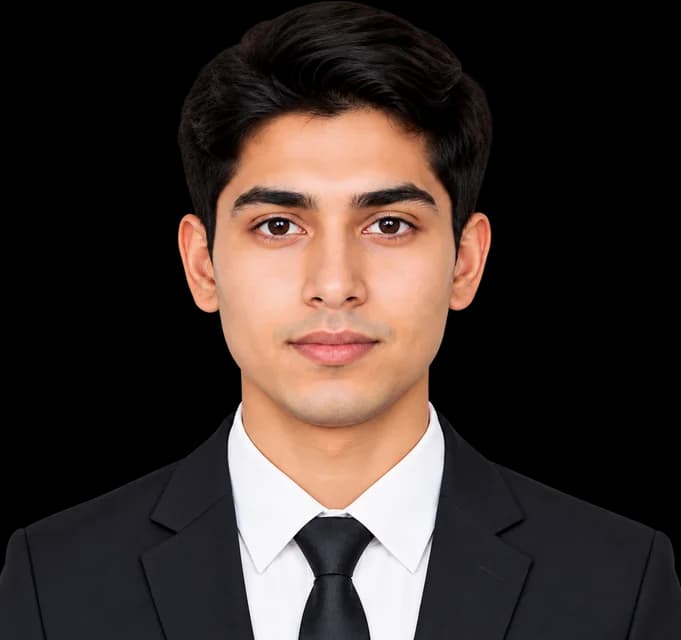
Compress image
Any size from 20 KB to 1 MB, many at once.


Make any photo or signature 20 KB, 50 KB or any size, and fit the exact limit of your visa, passport or exam form. Free, and it never leaves your device.
Drop your photo here
or paste it (Ctrl+V) · JPG, PNG or WebP up to 25 MB
Size for this form
Change any box to set your ownExact pixels (optional)
US visa photo must be up to 240 KB at 600 × 600 – 1200 × 1200 px.
85 file-size limits for visas, passports, IDs, exams and marketplaces in 17 countries, the Schengen area and 7 marketplaces. Find yours, see the exact KB and pixel size, and make your photo fit in one tap.
85 limits shown
Showing 1–15 of 85
Make a photo or signature fit an exact file-size limit in a few seconds. Your photo never leaves your phone or computer.
Choose a photo from your gallery or files, or try our sample.
Choose your exam or visa, or type any KB. We set the right range for you.
A clear photo that fits the exact limit, ready to upload.
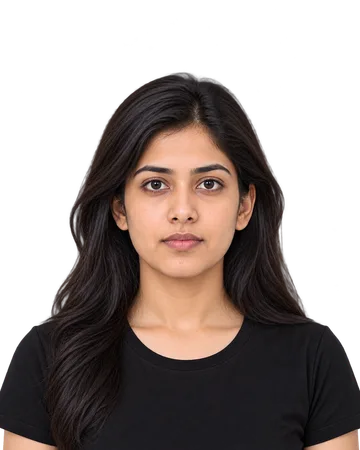 1.7 MB
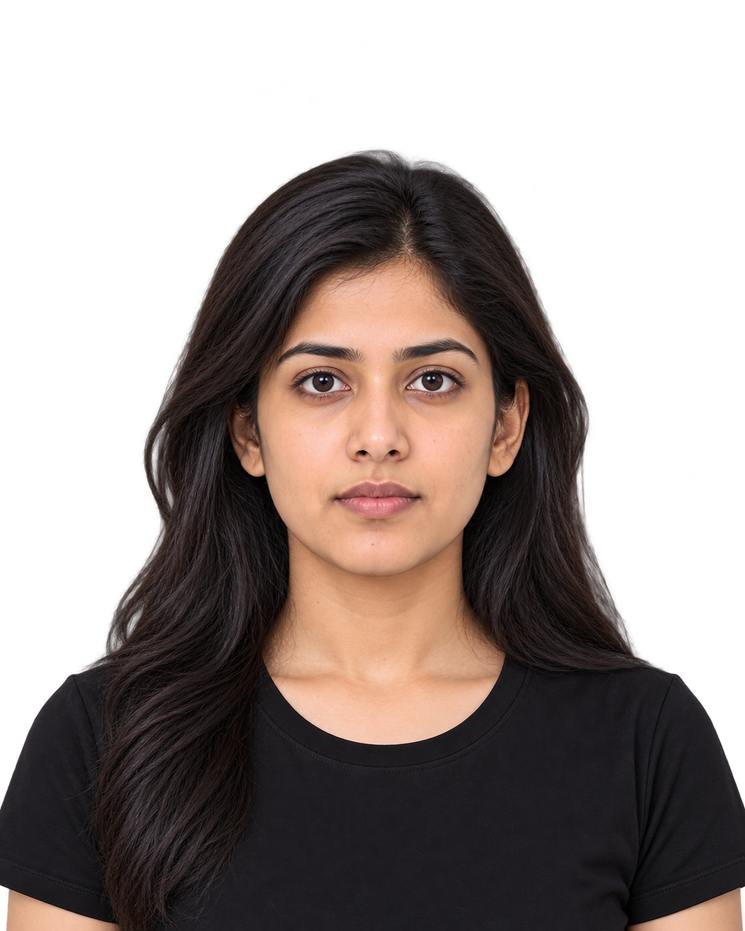 48 KB
Same photo, 35× smaller
Real examples made from our own photos against real limits. Here are the six mistakes forms refuse most, and how the tool avoids each one.
A 966 KB phone photo, but the Schengen visa allows up to 120 KB
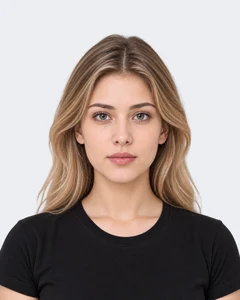
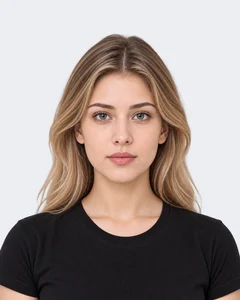
We shrink it just enough to fit, keeping the most detail the limit allows.
Schengen ruleOnly 5 KB: the Russian visa needs at least 20 KB
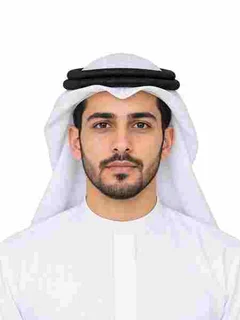

Forms refuse tiny files too. We raise the quality until the file is inside the range.
Russian visa ruleCrushed to 1.3 KB when 50 KB was allowed: a blocky face


We use the whole limit: the highest quality that still fits, so your face stays sharp.
Try the toolForced into 600 × 600 px for the US visa: the face looks wide
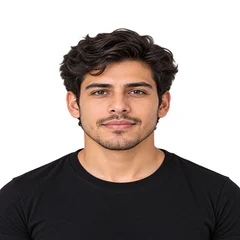
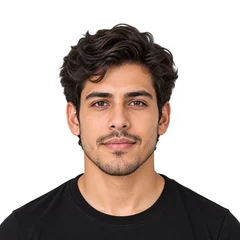
This tool never stretches. For a square rule, crop the photo, or let our photo maker crop around your face.
US visa ruleA see-through PNG saved as JPG turns the background black
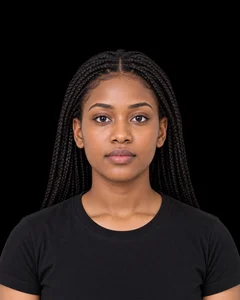
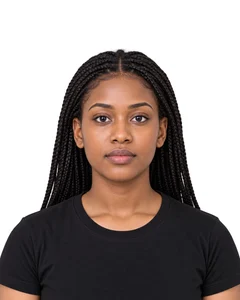
We put see-through parts on white, so the background stays clean.
NEET (UG) ruleAn iPhone HEIC photo is refused by most forms
Your download is always JPG, the format forms take. For HEIC photos, see the iPhone tips below.
iPhone tipsSome systems count 1 KB as 1000 bytes, others as 1024. So a file Windows calls 50 KB can be 51.2 KB to the form, and the form rejects it.
50 KB
on Windows
51,200 bytes
1 KB = 1024 bytes
51.2 KB
to the form
51,200 bytes
1 KB = 1000 bytes
The same file is 51.2 KB to the form: over the 50 KB limit, so it is rejected.
Windows counts 1 KB as 1024 bytes; Mac and iPhone count 1000. Forms can use either, and most don't say which.
Example: IBPS PO/MT (20 – 50 KB)
We aim for 20,685 – 49,250 bytes: at least 20 KB if the form counts 1024, and under 50 KB if it counts 1000. No last-second rejection.
Quick tips for iPhone, Android, Windows and Mac. The tool works the same in every modern browser.
iPhones save photos as HEIC to save space. Many exam and visa forms only take JPG.
More iPhone tips
Some phones, like Samsung, can save HEIF pictures to save space. Turn that off so forms accept your photo.
More Android tips
File Explorer counts 1 KB as 1024 bytes, so it can show a smaller number than the form counts.
More Windows tips
Finder counts 1 KB as 1000 bytes, the same way many forms do.
More Mac tips
Questions
Short answers from the official rules. Every limit has its own page with the full rule and its source.
Ask us a questionUpload the photo above, tap 50 KB (or type your limit), and download. The tool picks the largest size and the highest quality that still fit under 50 KB, so the photo stays sharp. It takes a few seconds and works on any phone or computer.
Every photo loses some detail at 20 KB; the trick is to lose the least. Instead of crushing the quality, the tool makes the photo a little smaller in pixels first, then keeps the best quality that fits. A face stays clear, without the blocks you see in a squeezed photo.
Up to 240 KB, as a JPG of 600 × 600 to 1200 × 1200 px, with a white or off-white background. The same 240 KB limit applies to the DV lottery photo. See the full US visa photo rule.
For an online Schengen visa form: up to 120 KB, at least 240 × 320 px. For a UK passport applied for online: 50 KB to 10 MB, at least 600 × 750 px. Rules: Schengen visa, UK passport.
NEET (UG) takes a photo of 10 – 200 KB and a signature of 10 – 100 KB. Each exam sets its own window: see all 21 exams in the limits table, or open the NEET (UG) rule.
Windows counts 1 KB as 1024 bytes, and many forms count 1000. A file Windows calls 50 KB is 51,200 bytes, which is 51.2 KB to the form. The tool aims for a safe zone that passes both ways. See how.
Yes. Many forms refuse files that are too small, such as under 10 or 20 KB. Type the minimum under “At least”: the tool raises the quality, and the pixels if needed, until the file is inside the range.
Yes. Switch to Signature at step 1. A see-through signature is placed on white, so it never turns black, and you can pick your exam's signature limit. The table lists 19 signature limits.
Often, yes: fewer pixels is how a photo gets small without turning blocky. The tool never stretches a photo out of shape. If your rule asks for exact pixels, such as 600 × 600, check its rule page; our photo resizer makes exact pixel sizes.
You can upload JPG, PNG or WebP, up to 25 MB. The download is always a JPG, the format forms accept. iPhone HEIC photos open in Safari; in other browsers, set the iPhone camera to Most Compatible.
No upload: the photo is made smaller inside your browser and never leaves your device. It is free, with no sign-up and no watermark.
More free tools
Each tool is free, with no sign-up and no watermark.
Any size from 20 KB to 1 MB, many at once.
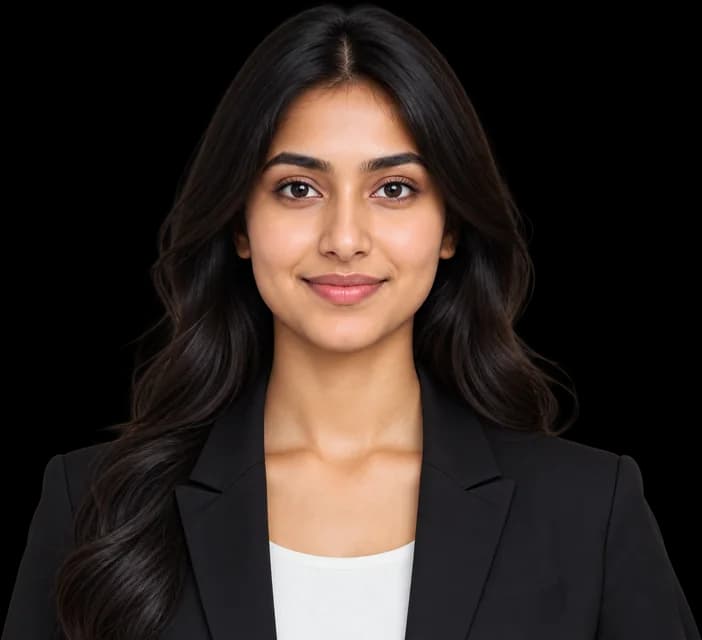
Clean white or any colour, sharp hair edges.
Exact pixels, cm, mm or inches.
Signature or thumb on paper, crisp upload.
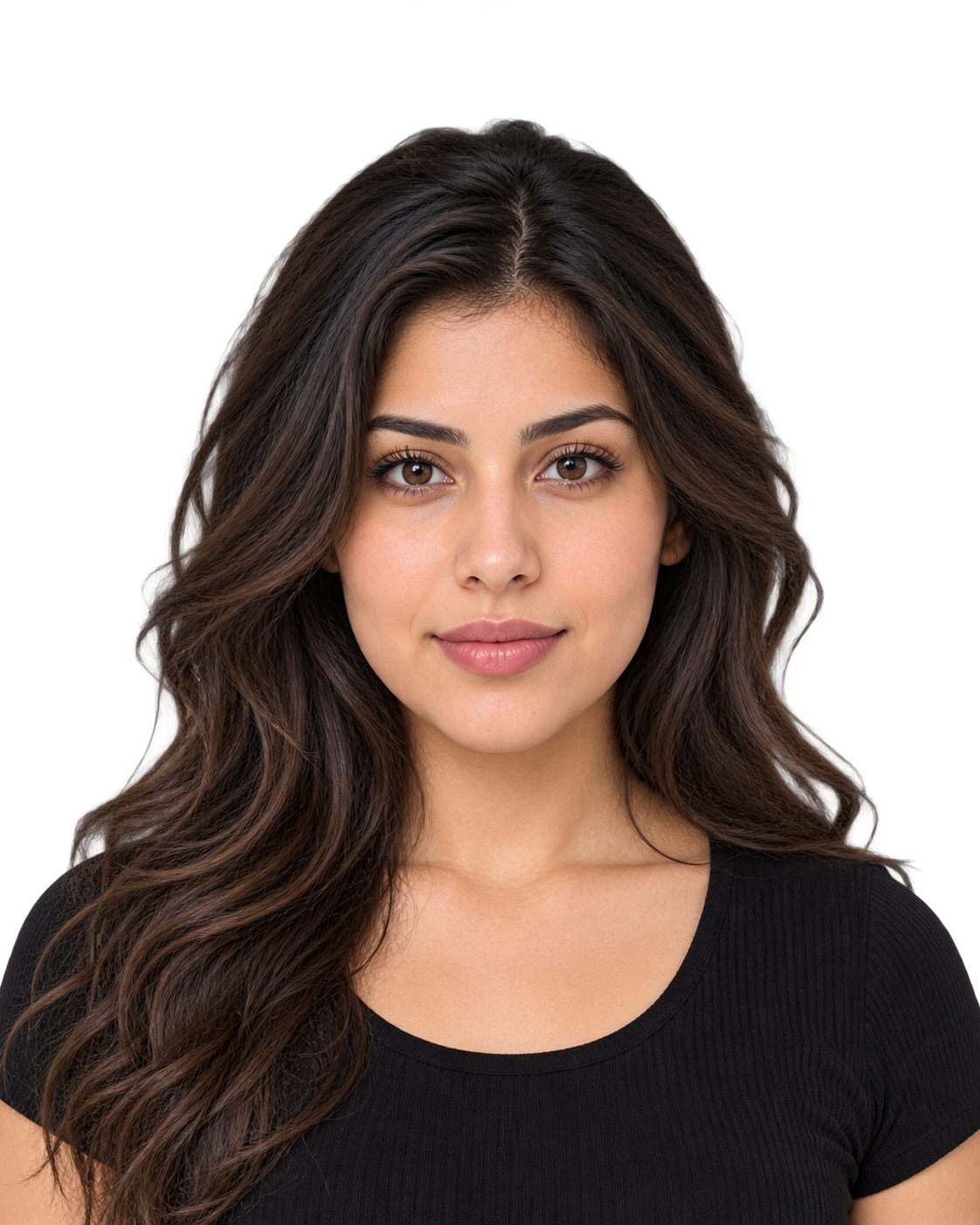 Head size
Checks a passport, visa or exam photo against its official rule.
 US visa · Up to 240 KB
 UK passport · 50 KB – 10 MBUS passport · 54 KB – 10 MB
 Canadian passport · 200 KB – 5 MBUS DV lottery · Up to 240 KB
 Australian visa · 70 KB – 3.5 MB
 India e-Visa · 10 KB – 1 MBNEET (UG) · 10 – 200 KBJEE (Main) · 10 – 200 KB
85 limits from around the world, or any KB you type. Free, and your photo never leaves your device.