

IIT JAM 2027 photo and signature size, checked against the rule.
The IIT JAM 2027 photo upload must be 240 × 320 to 480 × 640 px, a JPG file of 50 KB – 200 KB. The signature must be 280 × 80 to 560 × 160 px, 50 KB – 150 KB. Use a white or light background.
Step 2: your signature, at the exact size and KB. Make it free
- No sign-up to check
- Photo deleted after use
- See what passes before you pay
Private by design · No sign-up
Official source
Mostly checkedChecked IIT Kharagpur (JAM 2027 Organising Institute)
Size, background and file rules are read from official sources. A few small details are still being confirmed. See every source
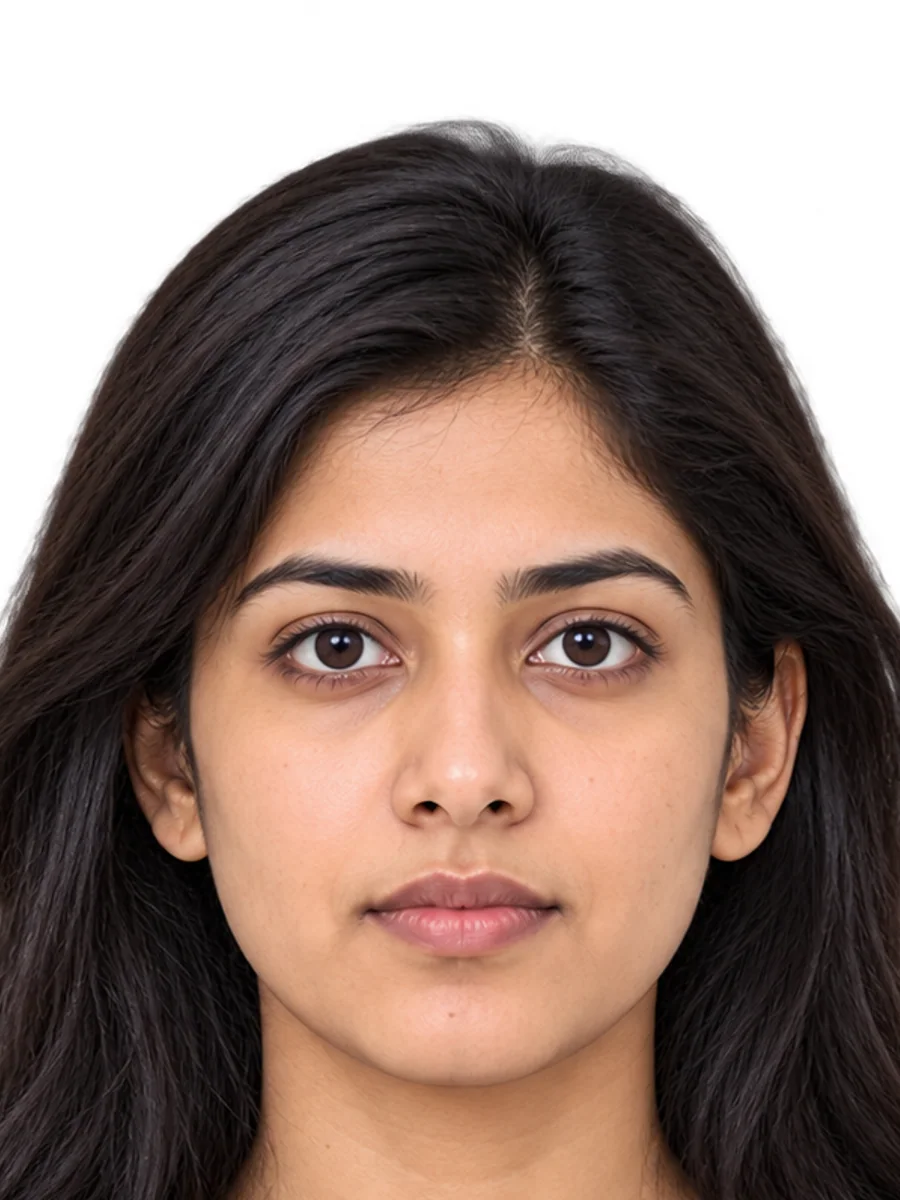
Rule checkCompliance check
Based on official ruleSample meets the rule- Photo size240 × 320 to 480 × 640 px
- BackgroundWhite or light
- File typeJPG
- Signature280 × 80 to 560 × 160 px · 50 KB – 150 KB
Check the file size before you upload: portals reject files outside the limit.
Recommended
Take your IIT JAM 2027 photo with the live coach
The coach knows this rule’s head size, eye line and background. It guides you on your phone, one tip at a time, and takes the photo when everything is right.
- Works on your phone
- No app needed
- Runs on your device
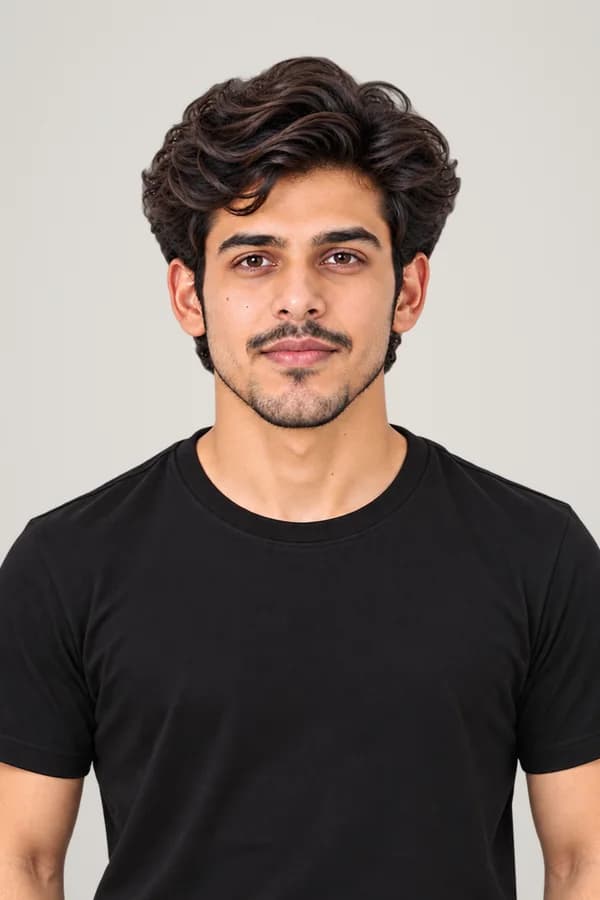
IIT JAM 2027 photo at a glance
View detailed requirementsIIT JAM 2027 photo at a glance
- Photo size
- 240 × 320 to 480 × 640 px
- Background
- White or light
- Signature
- 280 × 80 to 560 × 160 px · 50 KB – 150 KB
- Photo file size
- 50 KB – 200 KB
- Photo size
- 240 × 320 to 480 × 640 px
- Background
- White or light
- Signature
- 280 × 80 to 560 × 160 px · 50 KB – 150 KB
- Photo file size
- 50 KB – 200 KB
- File type
- JPG
Visual guide
See it at real size.
35 × 45 mm is a little under half the width of a bank card. Match a card once, see the IIT JAM 2027 photo at its printed size and check the face fits the rule, before you print or upload.
- Use any bank or ID cardMatch the outline once to set the exact size.
- See the true sizeView the photo at its printed size.
- Check face sizeSee where the head size passes.
Calibrate with a card
Hold any bank or ID card to the screen and match the outline.
Every bank, ID and driving-licence card in the world is the same size, so any one works. On a phone, use the short side if the long side doesn't fit.
 India · Exam
- 2
True-size preview
This is exactly how 35 × 45 mm looks on your screen (after calibration).
Enlarged: match a card to see it at real size
Hold your printed photo against the screen. If it matches this outline, the size is right.
- 3
Face-size gauge
This rule sets no head size, so the gauge uses the international standard (ICAO).
34 mm · Correct
The face is in the required range (32–36 mm, the ICAO standard).
Pixel size for online forms
Forms count pixels and file size, not millimetres. Compare with your phone photo.
A phone photo is about 4000 × 3000 px. The IIT JAM 2027 photo upload must be at least 240 × 320 px, 50 KB – 200 KB. PicOkay resizes and compresses yours to fit.
Ready to check your photo?
Not sure yours is right?
Upload your photo and check it free against this rule: size, face position, background and file size, with a preview of the final photo.
No sign-up · Photo deleted after use
Common mistakes
Why IIT JAM 2027 photos get rejected.
Every photo here is the same person. Only one thing changes.
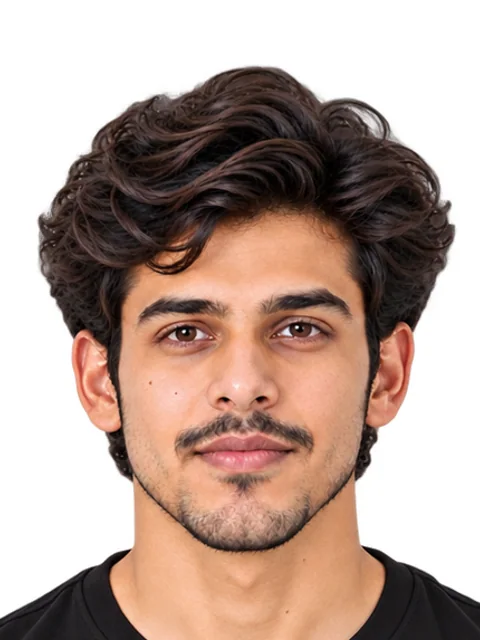
Accepted
Meets the official rules for IIT JAM 2027 photos.
- 625 KB
Rejected: File too large
The file must be up to 200 KB. This one is 625 KB.
Fix: We compress it to fit, and keep it sharp.
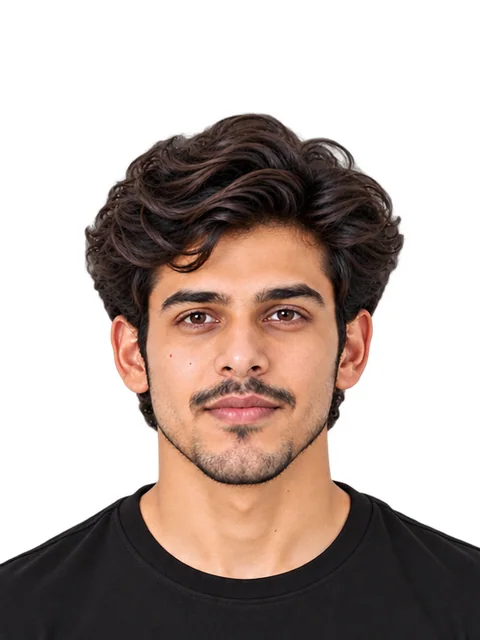
Rejected: Head too small
The head should be 32–36 mm (71–80% of the photo), the ICAO standard. This one is 26 mm.
Fix: We crop it to the right size.
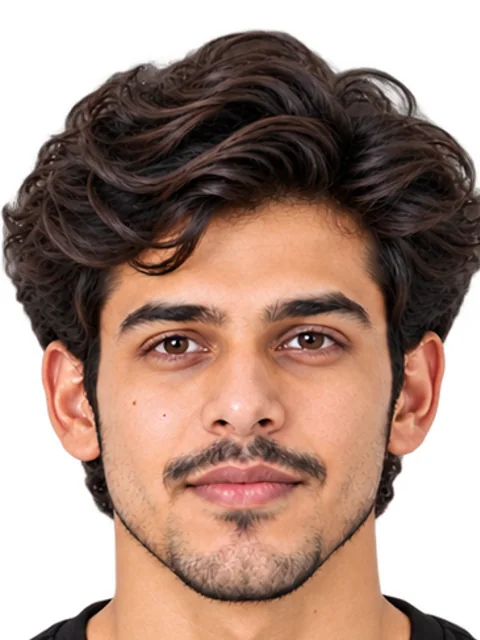
Rejected: Head too big
The head should be 32–36 mm (71–80% of the photo), the ICAO standard. This one is 40 mm.
Fix: We resize it to the right size.
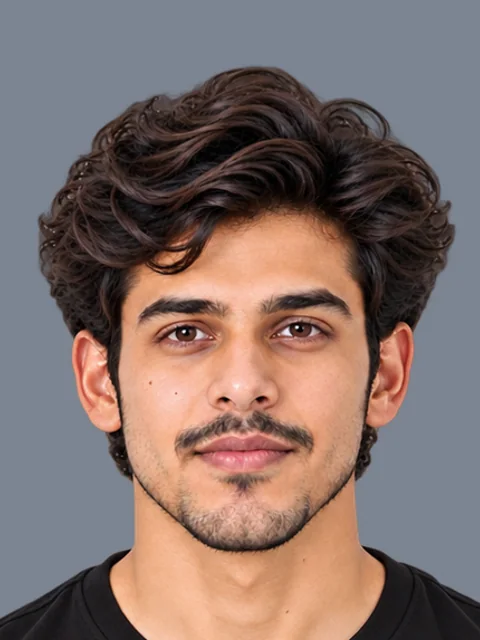
Rejected: Wrong background colour
The background must be white or light. This one is dark grey.
Fix: We change it to a white background.
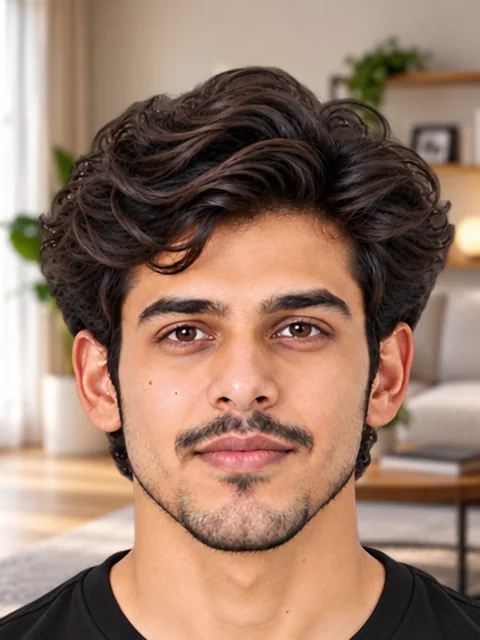
Rejected: Busy background
The background must be plain white or light, with no objects.
Fix: We remove it and make it plain white.
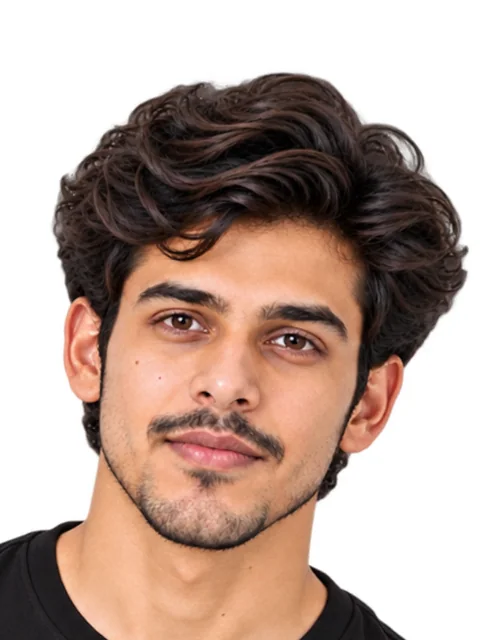
Rejected: Tilted head
The head must face the camera and be level.
Fix: We straighten small tilts. A big tilt needs a retake.
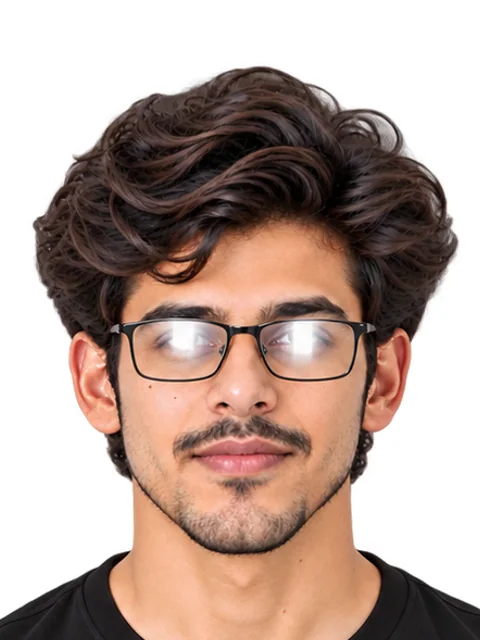
Rejected: Glasses glare
Glasses are allowed, but there must be no glare on the lenses.
Fix: Tilt the glasses down or take them off, then retake.
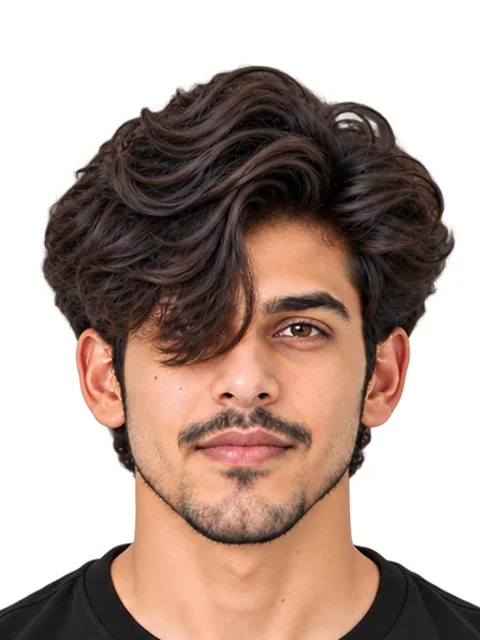
Rejected: Hair over eyes
Both eyes must be clearly visible, not covered by hair.
Fix: Move your hair off your face and retake.
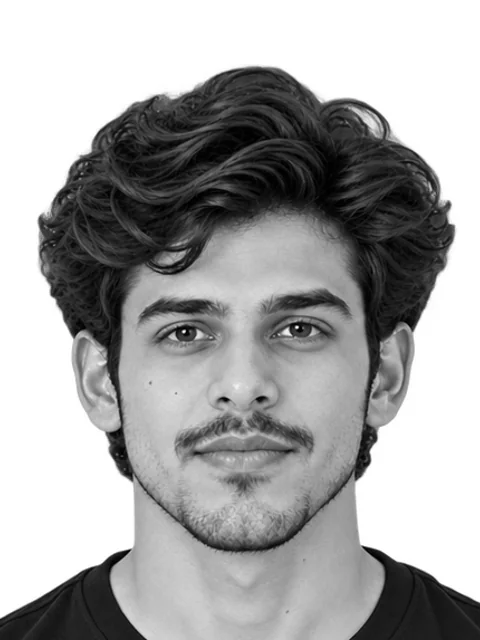
Rejected: Black and white
The photo must be in colour.
Fix: Use a colour photo. The free check flags it.
Does yours have any of these? We fix them for you.
We'll check it against the official IIT JAM 2027 rules.
Full requirements
IIT JAM 2027 photo and signature requirements.
Every rule from the official source, in their own words.
Photo
Rules for your photograph.
Size35 × 45 mmIn their words
A passport size (3.5 cm Width × 4.5 cm Height) JPEG/JPG format photograph
JAM 2027 - Document requirements (photograph and signature) Pixels240 × 320 to 480 × 640 pxIn their words
Maximum size of the JPEG/JPG image can be 480×640 in pixels (0.3 Mega pixel). The minimum pixel size of the JPEG/JPG image should be 240×320 in pixels.
JAM 2027 - Document requirements (photograph and signature) - File size50 KB – 200 KB
- File typeJPG
ColourColour onlyIn their words
The photograph must be recent and must be in COLOUR.
JAM 2027 - Document requirements (photograph and signature) - Facing forwardRequired
- HairOff the eyes
Whole faceFully visibleIn their words
The face should occupy at least 50% of the area of the photograph with a full-face view looking into the camera directly.
JAM 2027 - Document requirements (photograph and signature) GlassesAllowed, no glareIn their words
If glare cannot be avoided then take the photo without the spectacles. You must not wear spectacles with dark or tinted glasses, only clear glasses are permitted.
JAM 2027 - Document requirements (photograph and signature) Tinted glassesNot allowedIn their words
If glare cannot be avoided then take the photo without the spectacles. You must not wear spectacles with dark or tinted glasses, only clear glasses are permitted.
JAM 2027 - Document requirements (photograph and signature) BackgroundWhite or lightIn their words
Background of the photograph must be white or a very light colour.
JAM 2027 - Document requirements (photograph and signature)
Signature
Rules for your signature.
Size70 × 20 mmIn their words
Please draw a rectangular box of size 2 cm x 7 cm (Height x Width) on a white paper.
JAM 2027 - Document requirements (photograph and signature) Pixels280 × 80 to 560 × 160 pxIn their words
The maximum image size of the signature should be 160x560 in pixels. The minimum image size of the signature should be 80x280 in pixels. (read as Height x Width, matching the box)
JAM 2027 - Document requirements (photograph and signature) - File size50 KB – 150 KB
File typeJPGIn their words
Only JPEG/JPG image format will be accepted.
JAM 2027 - Document requirements (photograph and signature) Ink colourBlack or blue inkIn their words
Sign with black or dark blue ink pen completely within this box horizontally.
JAM 2027 - Document requirements (photograph and signature) PaperPlain white paperIn their words
Sign with black or dark blue ink pen completely within this box horizontally.
JAM 2027 - Document requirements (photograph and signature) Capital lettersNot allowedIn their words
A signature with all CAPITAL LETTERS, Initials or in any other colour (other than black and blue) will NOT be accepted.
JAM 2027 - Document requirements (photograph and signature)
Photo example
Key points
- Size: 35 × 45 mm
- Pixels: 240 × 320 to 480 × 640 px
- File size: 50 KB – 200 KB
- File type: JPG
- Colour: Colour only
- Facing forward: Required
- Hair: Off the eyes
Signature example
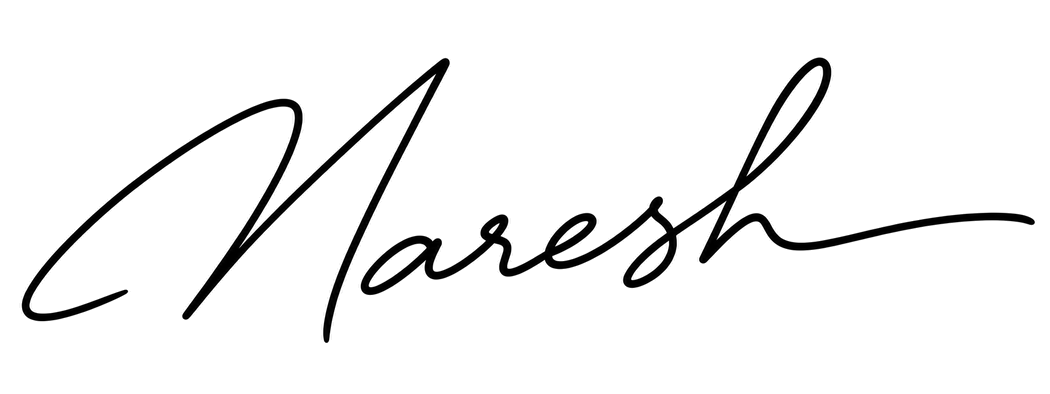
An example only. Sign your own name.
Key points
- Size: 70 × 20 mm
- Pixels: 280 × 80 to 560 × 160 px
- File size: 50 KB – 150 KB
- File type: JPG
- Ink colour: Black or blue ink
- Paper: Plain white paper
- Capital letters: Not allowed
What not to upload
See allFile too large
Head too small
Head too big
Wrong background colour
Your photo and signature must pass 18 rules.
Check all 18 free.
Upload your photo and signature and we'll check every rule.
Print checklist
Take it to a photo studio or keep it for yourself.
SizePixelsFile sizeFile typeColour
- All 18 rules on one page
- Easy to show at a photo studio
- Includes the example photo
- QR code back to this page
We only do what this rule allows.
We never change your face, and we follow the official rules for IIT JAM 2027 photos.
Can the photo be edited?
What the official source allows.
- Crop and resizeNot stated
- Background changeNot stated
- RetouchingNot stated
- AI editsNot stated
“Not stated” means the official source doesn't say. We then only crop, resize and clean the background, and tell you what we changed.
Take it at home
How to take an IIT JAM 2027 photo at home.
A plain wall, daylight and a phone. Steps made for this rule.
- 2 minutesNo studio visit
- Just a phoneWorks on any phone
- Made for IIT JAM 2027 rulesWe check all 18 rules
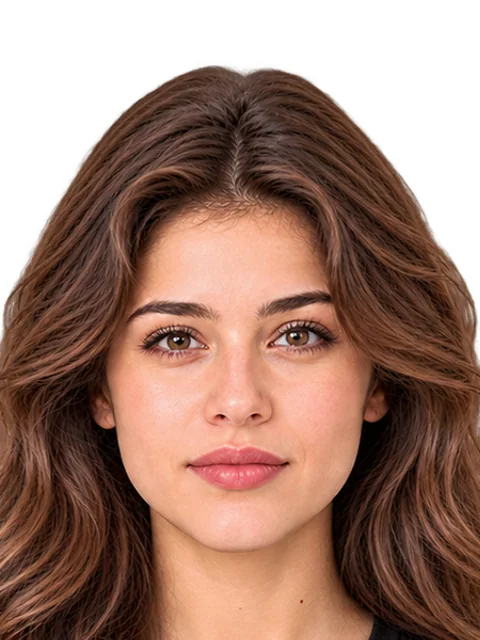
This rule needs
- White or light background
- Facing forward
- No glare on glasses
- Size 240 × 320 px
- Colour photo
- File 50 KB – 200 KB
5 simple stepsSwipe →
- 1
Find a plain wall
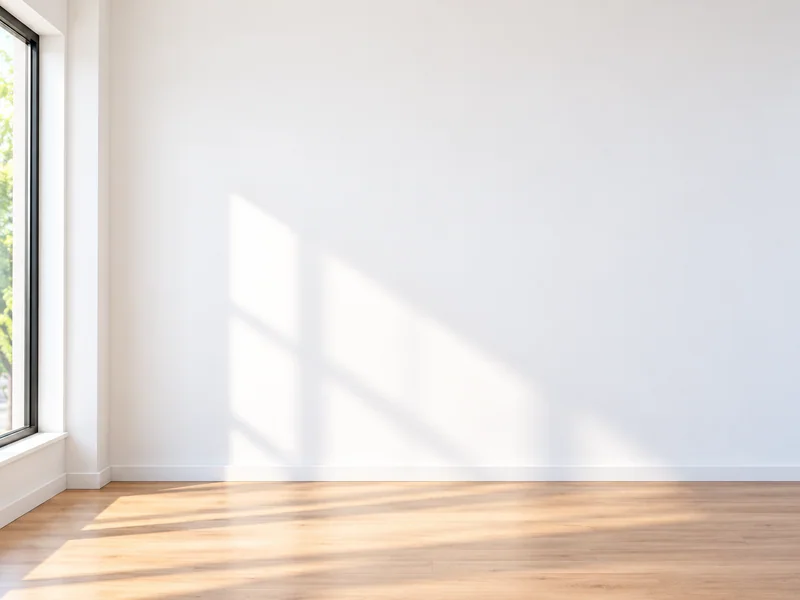
Stand in front of a plain wall in good light. This rule needs a white or light background.
White or light wall
- 2
Face a window
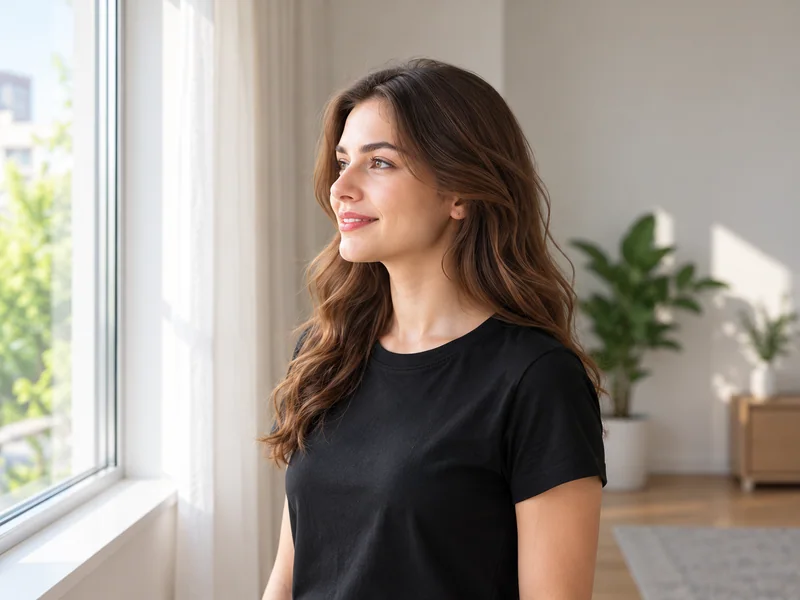
Stand facing a window so daylight falls evenly on your face. No flash.
Even light
- 3
Ask someone to take it
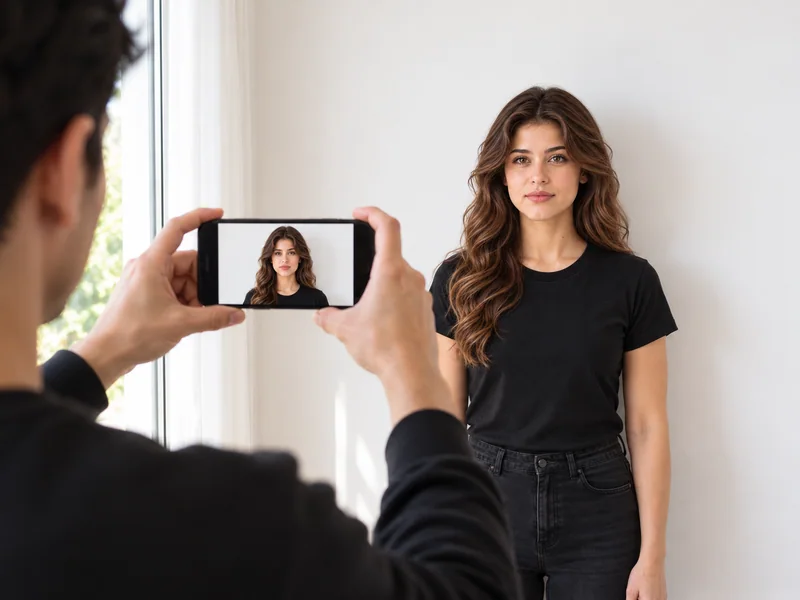
Ask someone to take the photo from about 1.5 metres away, with the phone at your eye level.
Helper, 1.5 m away
- 4
Pose
Look straight at the camera and hair off your eyes.
No glare
- 5
We make it right
Add your photo. We size it to 240 × 320 px with a file of 50 KB – 200 KB and check all 18 rules.
We size it to 240 × 320 px
Selfie vs helper
A phone held at arm's length can make the nose look bigger and the face rounder. A photo taken by a helper from 1.5 metres looks like you.
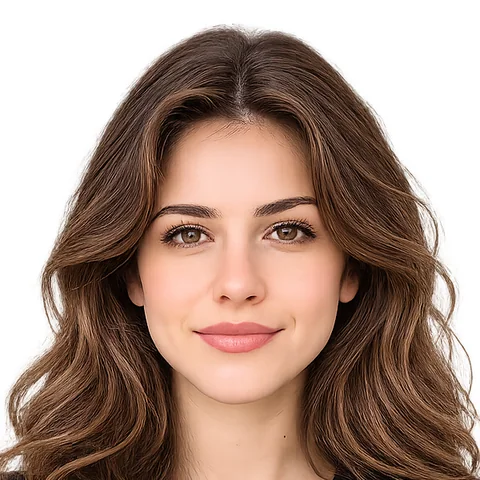
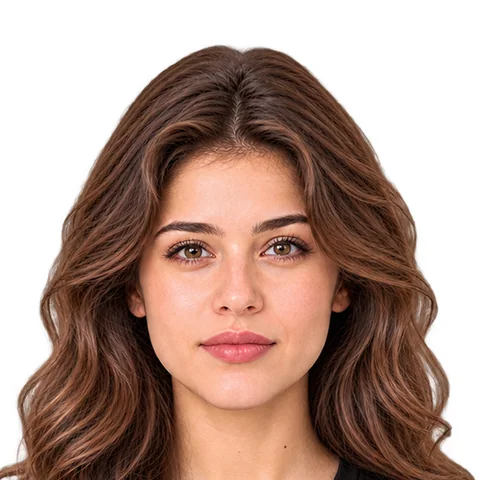
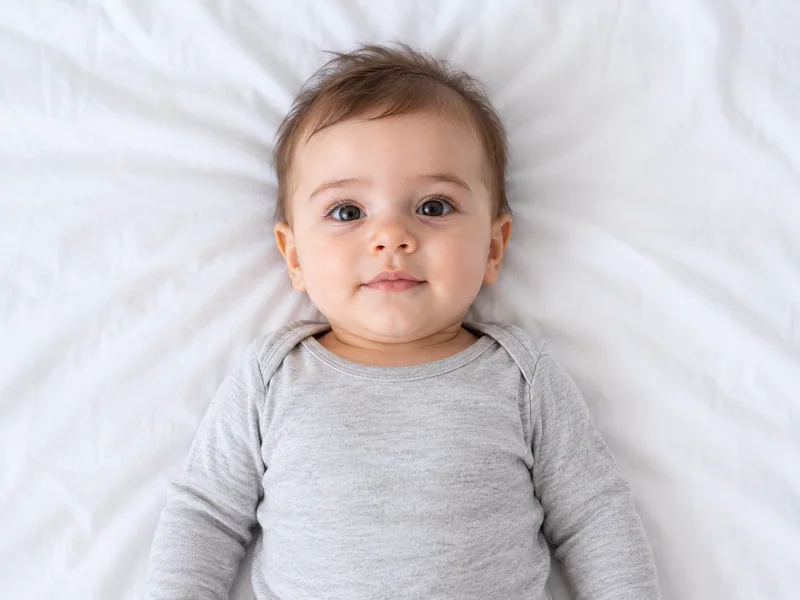
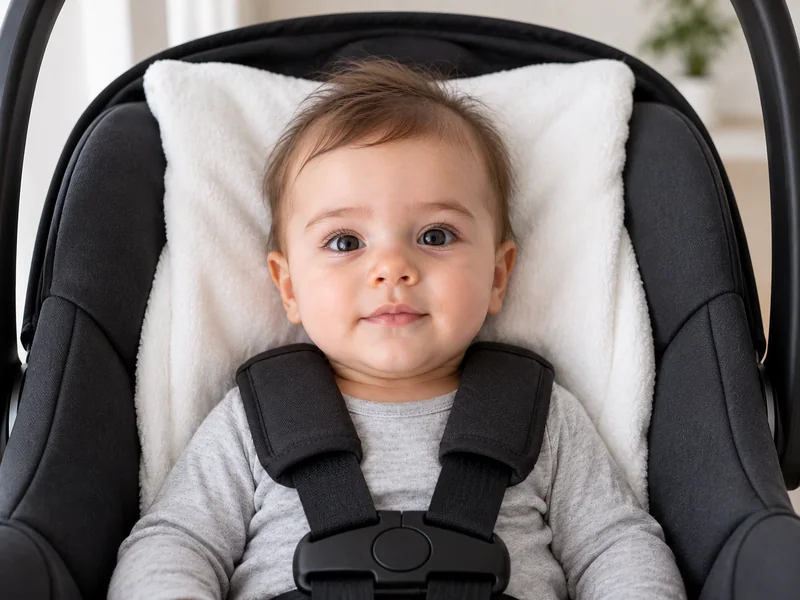
Babies and infants
The IIT JAM 2027 rules we read have no special rule for babies, so the same rules apply. Some countries do; here are real examples.
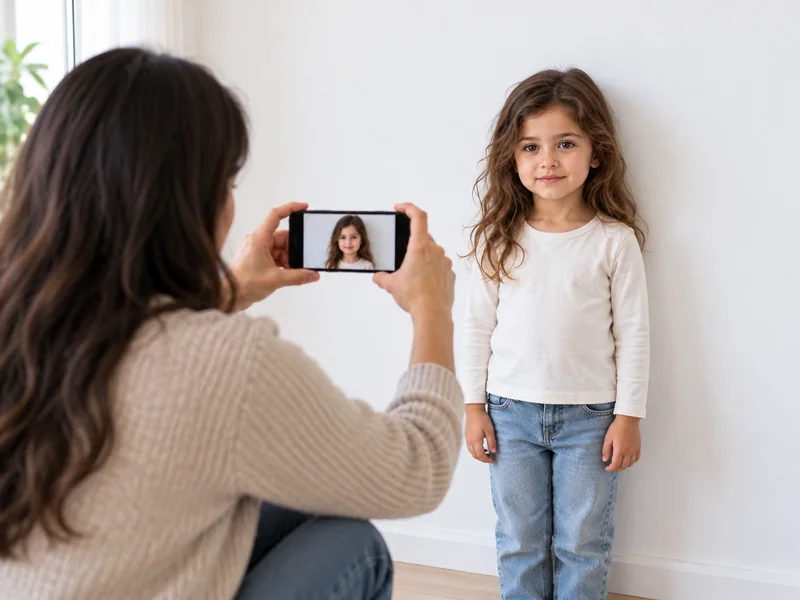
Children
The same rules apply to children for this photo. Kneel to their eye level.
Take it now with your phone.
Take it with your camera, or upload one you already have. We fix it to the rule.
- We check all 18 rules before you pay
- Never stored, never shared
- Retake for free, as many times as you like
IIT JAM 2027 photo: upload it right.
Upload 50 KB – 200 KB
1 Online upload
Make the file meet the portal's limits.
iPhone photos
iPhones often save photos as HEIC. This portal doesn't take HEIC, so we always give you a JPG.
Photo
File size
Required: 50 KB – 200 KB
- Pixels
- 240 × 320 to 480 × 640 px
- File type
- JPG
- File size
- 50 KB – 200 KB
Too small? We bring the file up to the minimum without changing the picture.
Make your photo 50 KB – 200 KB with our free toolSignature
File size
Required: 50 KB – 150 KB
- Pixels
- 280 × 80 to 560 × 160 px
- File type
- JPG
- File size
- 50 KB – 150 KB
Too small? We bring the file up to the minimum without changing the picture.
Make your signature 50 KB – 150 KB with our free tool2 What you get
Everything you need, ready to use.
1. Your photo
Upload the JPG: made to 240 × 320 to 480 × 640 px and 50 KB – 200 KB. The PNG is a full-quality copy to keep.
- JPG
- PNG
- 240 × 320 to 480 × 640 px
- 50 KB – 200 KB
2. Proof report
A report showing each rule we checked: size, background, face position and more.
Checked against the official rule, last read .See the sources
Questions people ask about IIT JAM 2027 photos
Straight answers from the official rule. Open a question to see the details.
All answers are from official sources (checked 8 Oct 2026).
What size should the signature be?
280 × 80 to 560 × 160 px, 50 KB – 150 KB. Save it as JPG.
What size should the printed photo be?
35 × 45 mm (3.5 × 4.5 cm), about 1.38 × 1.77 in.
The photo must be 35 mm wide and 45 mm high.
What background colour is required?
Plain white or light-coloured background.
Can I wear glasses in an IIT JAM 2027 photo?
Yes, if there's no glare. Light reflecting on the lenses must not hide your eyes.
“If glare cannot be avoided then take the photo without the spectacles. You must not wear spectacles with dark or tinted glasses, only clear glasses are permitted.”
Is a black and white photo allowed?
No. The photo must be in colour.
Can I edit the photo or change the background?
The rule doesn't say.
We only make the changes this rule allows, and say so before you pay.
Still have a question?
If something looks wrong, or you have a newer official source, tell us. We check every report.
Can you trust this page?
Every detail is read from the sources below. We show you the sources, the dates and what's still being confirmed.
Your photo is checked against this exact rule (checked )
Status
Mostly checked
Size, background and file rules are read from official sources. A few small details are still being confirmed.
Last checked
Next check
By At least every 3 months
- Fully checked · every number official
- Mostly checked · a few details open(this page)
- Reference only · a guide, confirm it
PicOkay is independent, not a government site. Who we are
What we checked for India
Every source for this rule is official (2).
Sources
2IIT Kharagpur (JAM 2027 Organising Institute) · jam.iitkgp.ac.in
SizeFace and poseBackgroundRead- JAM 2027 Information Brochure (correct as on August 22, 2026), sections 3.4-3.5 (opens the source)Official · PDF
IIT Kharagpur (JAM 2027 Organising Institute) · jam.iitkgp.ac.in
UploadSignatureBackgroundRead
Open questions (3)
Details we're still confirming with the official sources. We don't hide them.
Official pages give different minimum file sizes (the website asks more than the brochure). We follow the website's stricter limits.
The signature pixel sizes aren't labelled. We read them as height × width, matching the 2 × 7 cm box.
No photo-age limit is given beyond 'recent'.
Why we show this. Saying what we don't know helps you make the right photo, and lets you trust the rest.
Rule history
When we checked this rule, and every real change.
Checked
Read against 2 sources.
At every check, we:
- Open every source listed on this page again.
- Compare each number and rule on this page with it.
- Update the page and add any change to this history.
No changes recorded
We'll check it again by , and at least every 3 months. When an office changes its rule, we update this page and note it here.
Report a mistake
Something wrong, or a newer official rule? Tell us and we'll check it.
Related photo rules
More photo rules for India and around the world.
Every link shows the rule's own size, so you can find the right photo fast.
Other exams in India
Photo rules for other exams in India.
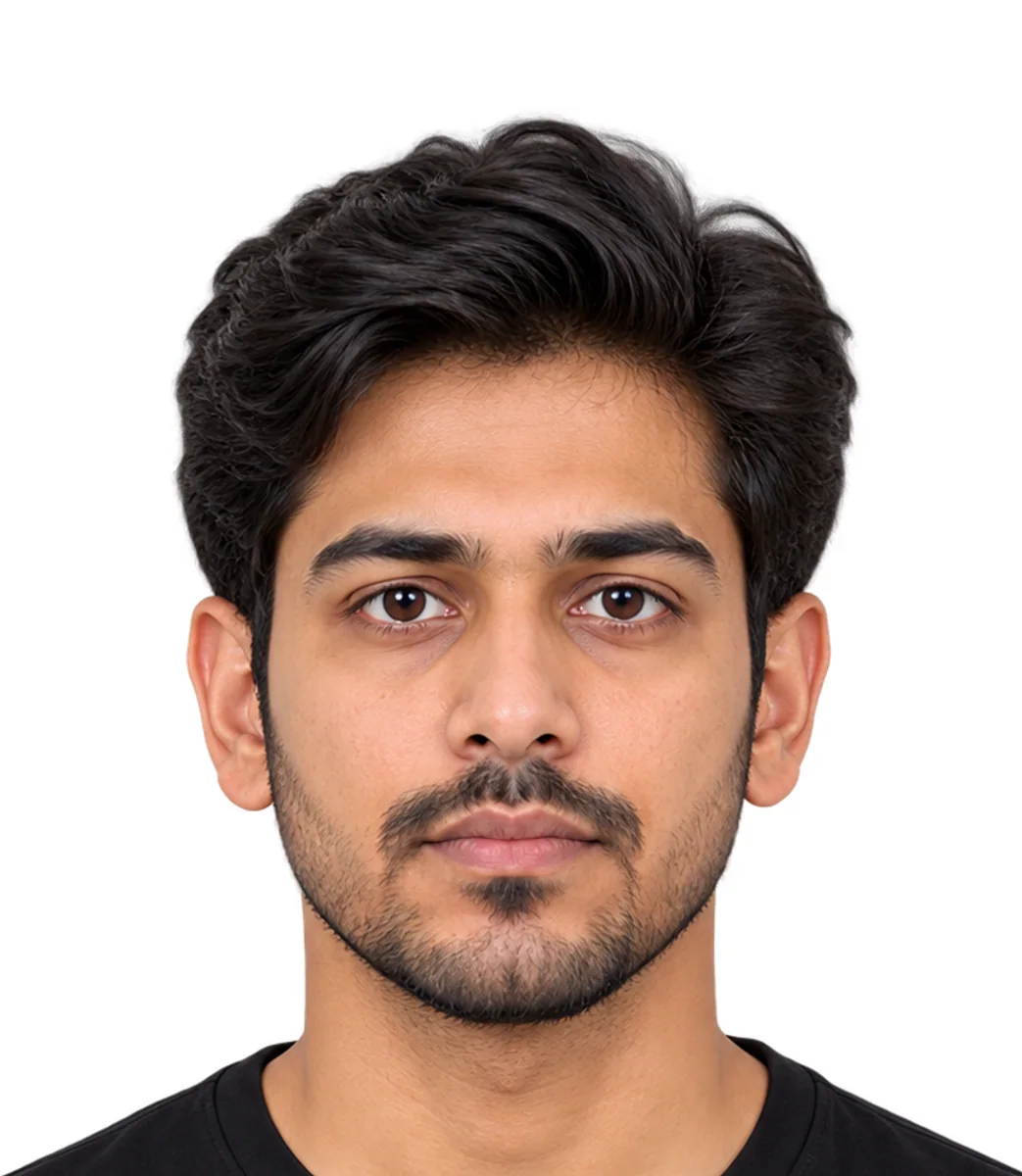
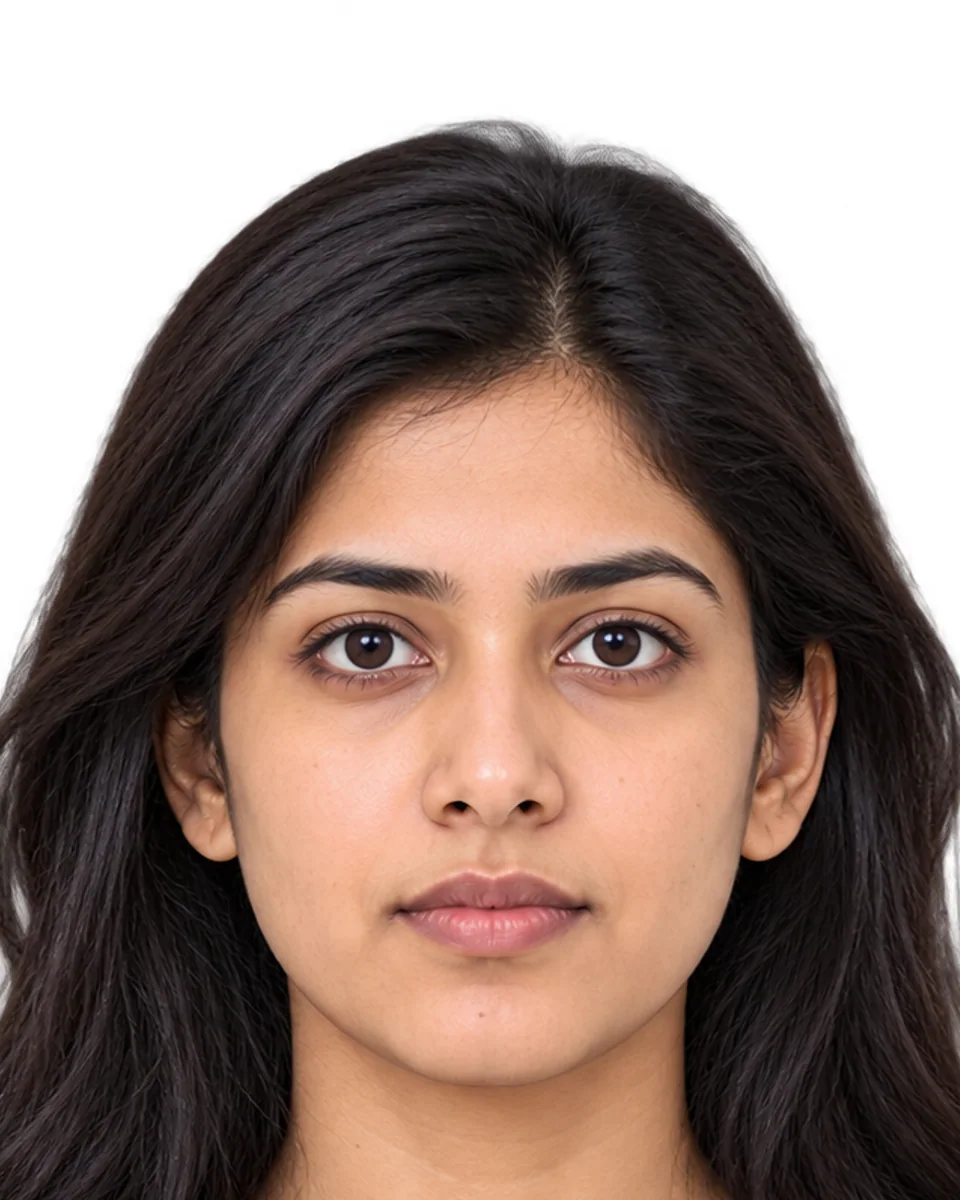
Popular passport photos
The passport photo rules people look up most.
 United States2 × 2 in (U.S. passport photo)
 United Kingdom35 × 45 mm (UK passport photo)
- India35 × 45 mm (Indian passport photo)
 Canada50 × 70 mm (Canadian passport photo)
 Australia35 × 45 mm (Australian passport photo)
 Germany35 × 45 mm (German passport & ID photo)
 France35 × 45 mm (French passport & ID card photo)
 China33 × 48 mm (Chinese passport photo)
 Nigeria2 × 2 in (Nigerian passport photo)
 Pakistan350 × 467 px (recommended) (Pakistani passport photo)
More exams A–Z
Next to India in our list.
- GATE 2027 photo35 × 45 mm (GATE 2027 photo)
- IAF Agniveervayu photo100 KB – 200 KB (IAF Agniveervayu photo)
- IBPS PO/MT photo35 × 45 mm (IBPS PO/MT photo)
- India Post GDS online engagement photo320 × 400 px (recommended) (India Post GDS online engagement photo)
- Indian Army Agniveer (CEE & rally) photoOnline upload (Indian Army Agniveer (CEE & rally) photo)
- Indian Navy Agniveer (SSR/MR) photo10 KB – 50 KB (Indian Navy Agniveer (SSR/MR) photo)