

Your photo is OK. Proven.
Official rules · IIT JAM 2027 · Print this checklistTake it to a photo studio or keep it with you.
IIT JAM 2027Photo checklist
Follow these rules so your photo is accepted. Every rule is from IIT Kharagpur (JAM 2027 Organising Institute).
India
Exam
240 × 320 to 480 × 640 px
Scan to open this page on your phone.
- Make your photo here
- See all rules in detail
- Save and share
picokay.com/exam-photo/iit-jam
1. Correct photo
Accepted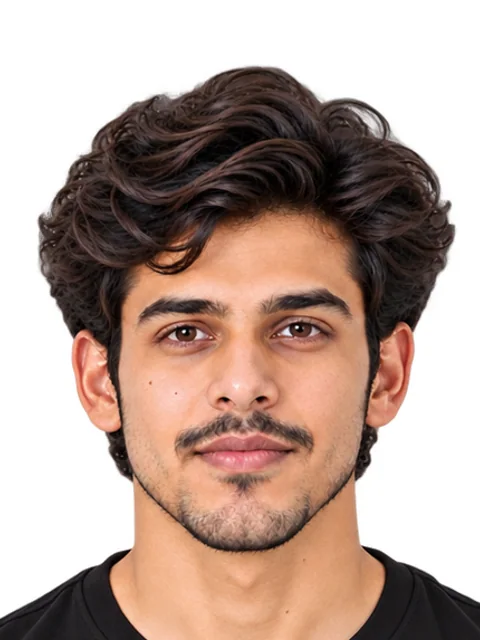
2. Common mistakes(will be rejected)
File too large
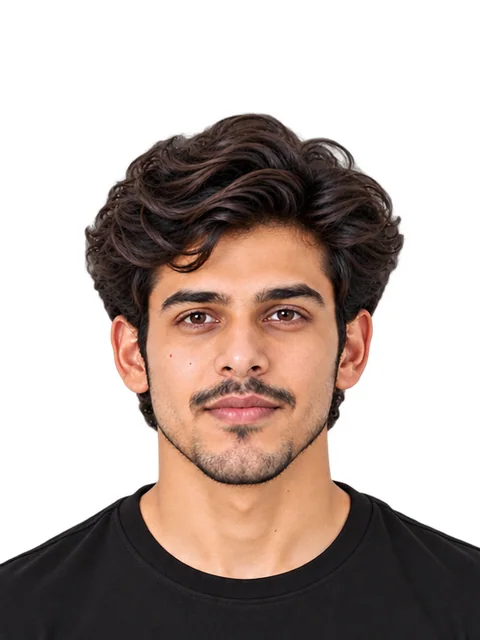
Head too small
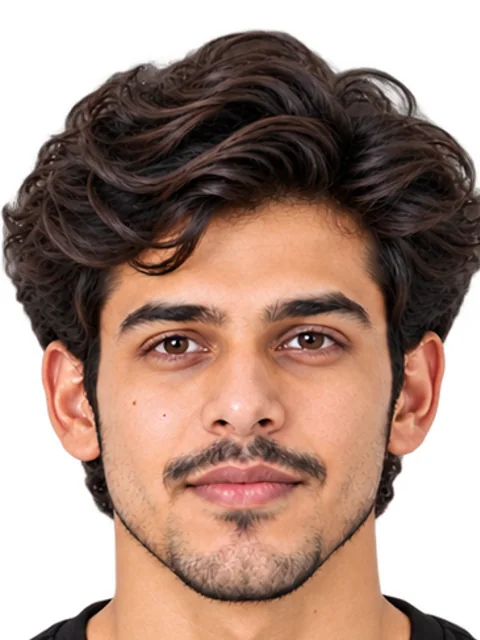
Head too big
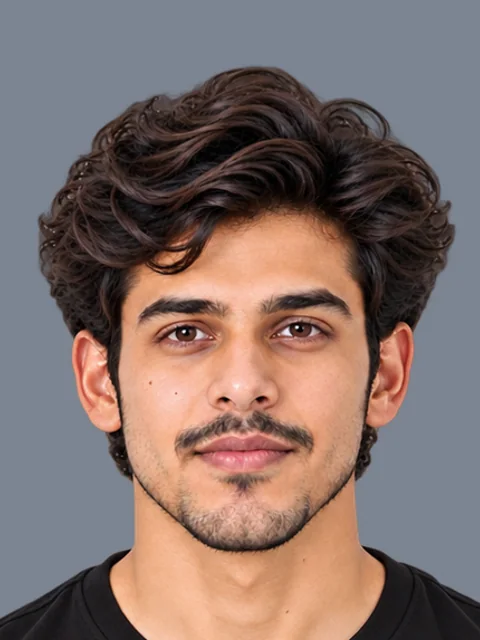
Wrong background colour
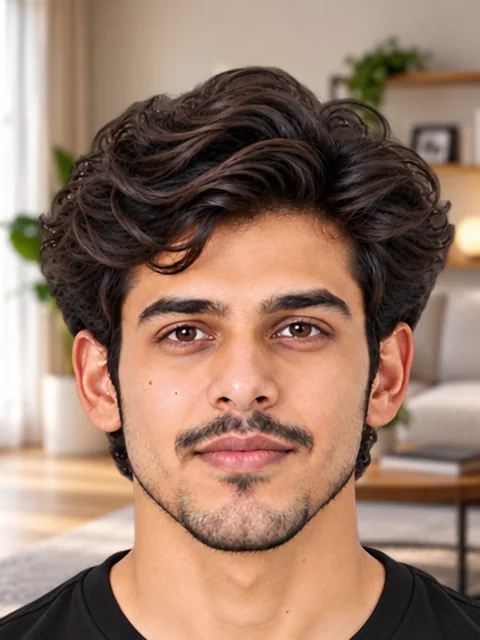
Busy background
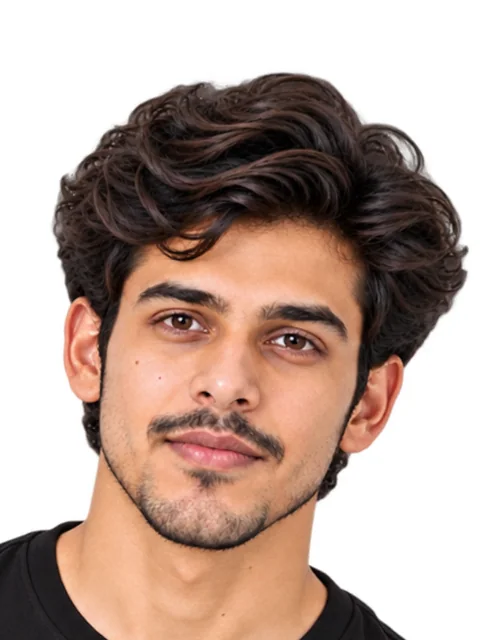
Tilted head
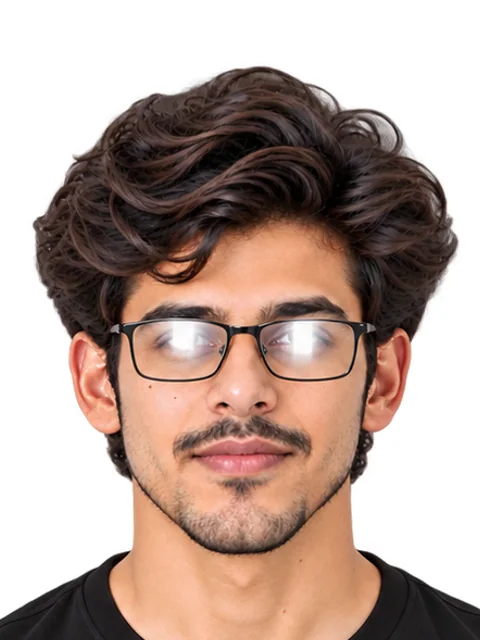
Glasses glare
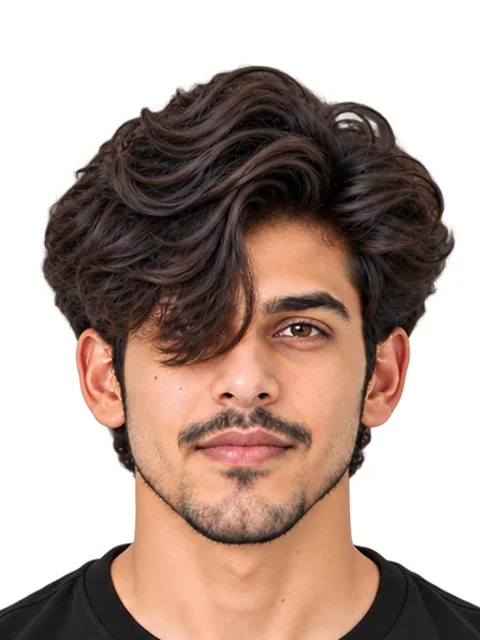
Hair over eyes
Photo
11 rules- Size35 × 45 mm
- Pixels240 × 320 to 480 × 640 px
- File size50 KB – 200 KB
- File typeJPG
- ColourColour only
- Facing forwardRequired
- HairOff the eyes
- Whole faceFully visible
- GlassesAllowed, no glare
- Tinted glassesNot allowed
- BackgroundWhite or light
Signature
7 rules- Size70 × 20 mm
- Pixels280 × 80 to 560 × 160 px
- File size50 KB – 150 KB
- File typeJPG
- Ink colourBlack or blue ink
- PaperPlain white paper
- Capital lettersNot allowed
Can the photo be edited?
- Crop and resizeNot stated
- Background changeNot stated
- RetouchingNot stated
- AI editsNot stated
Official words (examples)
“A passport size (3.5 cm Width × 4.5 cm Height) JPEG/JPG format photograph”
JAM 2027 - Document requirements (photograph and signature)
“Maximum size of the JPEG/JPG image can be 480×640 in pixels (0.3 Mega pixel). The minimum pixel size of the JPEG/JPG image should be 240×320 in pixels.”
JAM 2027 - Document requirements (photograph and signature)
“The photograph must be recent and must be in COLOUR.”
JAM 2027 - Document requirements (photograph and signature)
- 1 Take a photoIn good light, against a plain wall.
- 2 Make it in secondsAdd your photo on PicOkay.
- 3 See the resultsEvery rule, checked.
- 4 Get your photoOr take this checklist to a studio.
From https://picokay.com/exam-photo/iit-jam · Checked 8 October 2026. Example photos are made by PicOkay.