

Google Shopping (Merchant Center) product image requirements, checked against the rule.
The Google Shopping (Merchant Center) product image should be 1500 × 1500 px (at least 500 × 500), with the product filling at least 75% of the frame. Upload it as JPG, WEBP, PNG, GIF, BMP or TIFF, up to 16 MB.
- Free, no sign-up
- Photo deleted after use
- Exact size and background
Private by design · No sign-up
Official source
Fully checkedChecked Google Merchant Center Help
Every number on this page is read from an official source. See every source
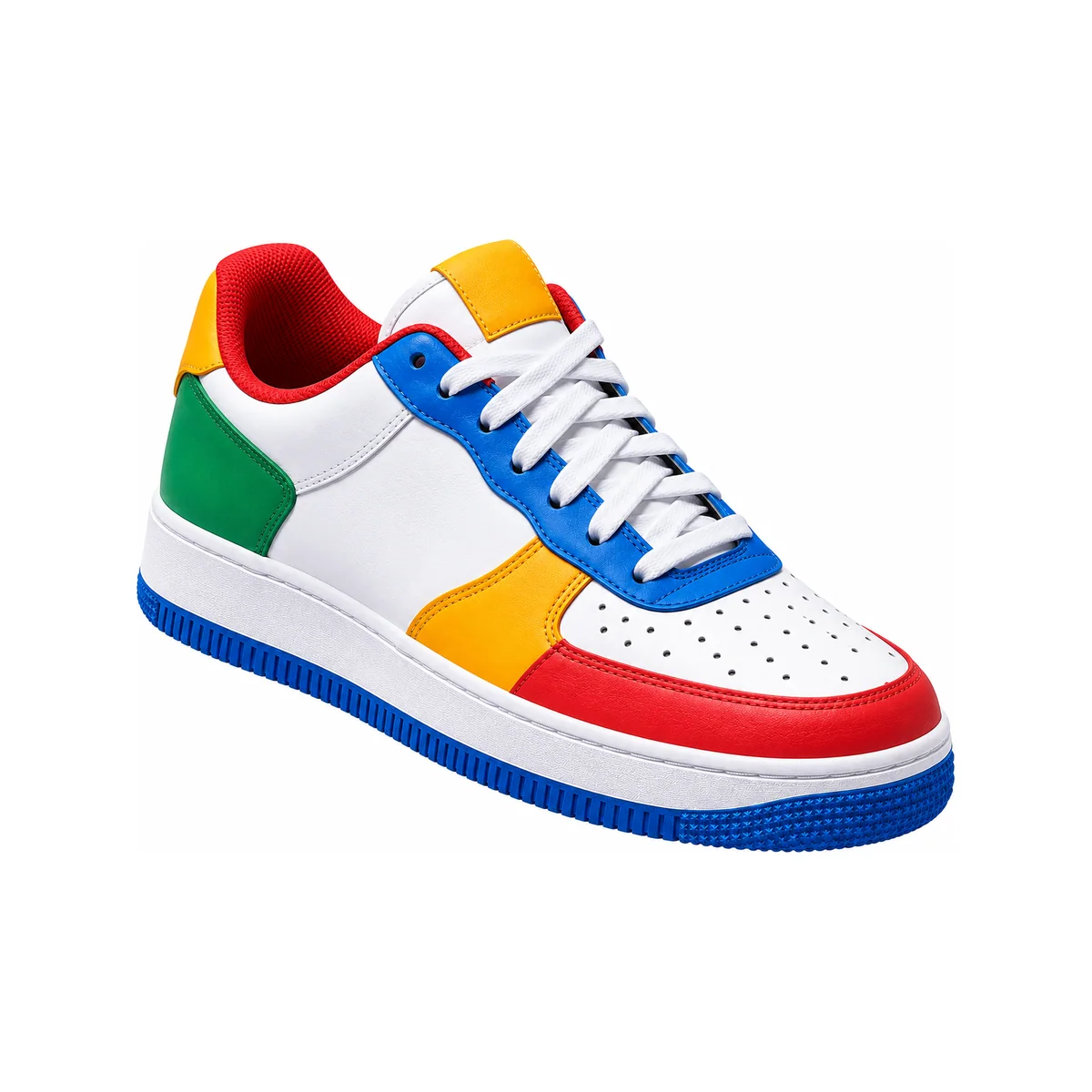
Rule checkCompliance check
Based on official ruleSample meets the rule- Image size1500 × 1500 px
- Product fillsAt least 75% of the frame
- File typeJPG, WEBP, PNG, GIF, BMP or TIFF
Show the product alone, centred, with nothing else in the frame.
Drop a photo to remove its background
People, products, pets · or paste it (Ctrl+V) · JPG, PNG or WebP up to 25 MB
Background
Passports, visas and most listings
Size and frame
File type
- Hair-level edges
- Free · no watermark
- Deleted after use
Google Shopping (Merchant Center) product image at a glance
View detailed requirementsGoogle Shopping (Merchant Center) product image at a glance
- (at least 500 × 500)
- 1500 × 1500 px
- Product fills
- At least 75% of the frame
- File size
- Up to 16 MB
- File type
- JPG, WEBP, PNG, GIF, BMP or TIFF
- Image size
- 1500 × 1500 px
- (at least 500 × 500)
- Product fills
- At least 75% of the frame
- File size
- Up to 16 MB
- File type
- JPG, WEBP, PNG, GIF, BMP or TIFF
Visual guide
See the exact pixel size.
Online forms count pixels and kilobytes. See the Google Shopping (Merchant Center) product image at 1500 × 1500 px, up to 16 MB, pixel for pixel, before you upload.
A phone photo is about 4000 × 3000 px. The Google Shopping (Merchant Center) product image upload is best at 1500 × 1500 px, up to 16 MB. PicOkay resizes and compresses yours to fit.
- 1
Pixel-for-pixel preview
The upload at 1500 × 1500 px, exactly as a form receives it.
Shown at 23% to fit: the real upload is bigger than this space
Ready to check your photo?
Not sure yours is right?
Upload your photo and check it free against this rule: size, face position, background and file size, with a preview of the final photo.
No sign-up · Photo deleted after use
Common mistakes
Why Google Shopping (Merchant Center) product images get rejected.
Every photo here is the same product. Only one thing changes.
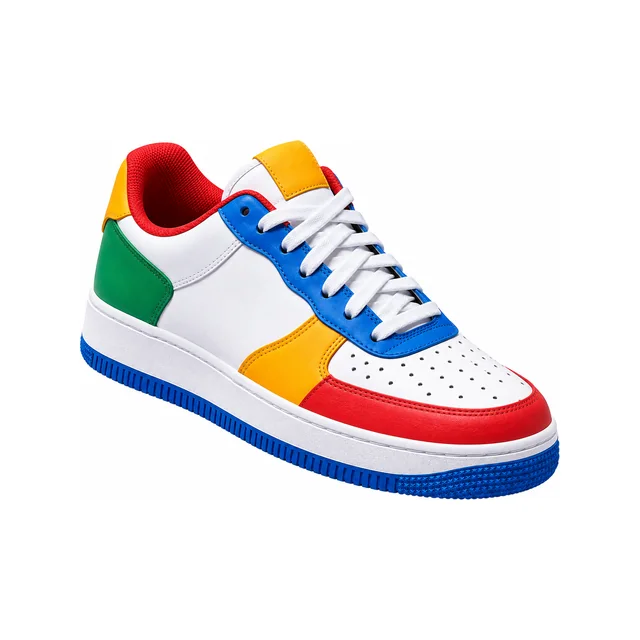
Accepted
Meets the official rules for Google Shopping (Merchant Center) product images.
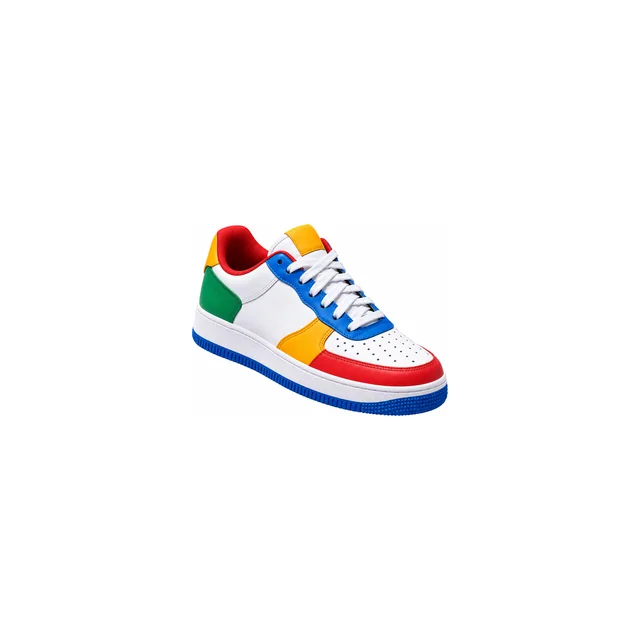
Rejected: Product too small
The product must fill at least 75% of the frame. This one fills 40%.
Fix: We crop it so it fills the frame.
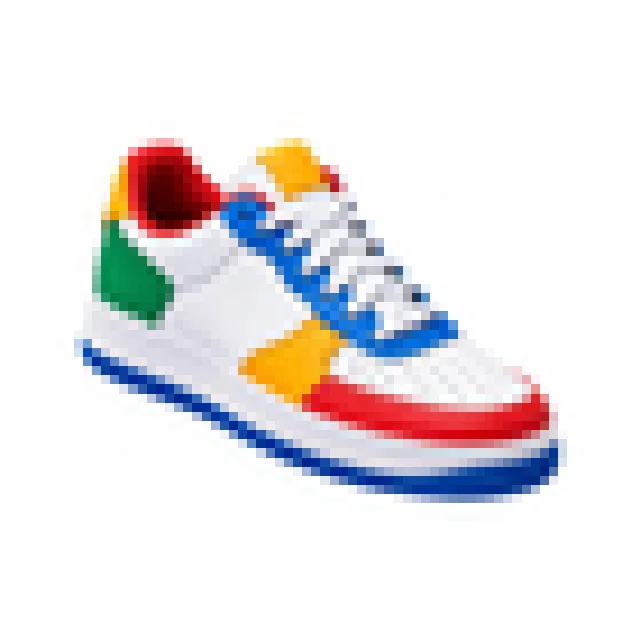
Rejected: Too few pixels
The image must be at least 500 px wide. This one is 200 px.
Fix: Use the original photo, not a screenshot or thumbnail.
Does yours have any of these? We fix them for you.
We'll check it against the official Google Shopping (Merchant Center) product rules.
Full requirements
Google Shopping (Merchant Center) product image requirements.
Every rule from the official source, in their own words.
Image
Size and file for the main image.
PixelsAt least 500 × 500 pxIn their words
At least 500 x 500 pixels; around 1500x1500 or above recommended; no image larger than 64 megapixels
Image link [image_link] - File sizeUp to 16 MB
- File typeJPG / WEBP / PNG / GIF / BMP / TIFF
Product
What the image must show.
Product fills75–90% of the frameIn their words
takes up no less than 75%, but not more than 90%, of the full image
Image link [image_link] - WatermarksNot allowed
- Sales or promotional textNot allowed
- PricesNot allowed
- Placeholder imagesNot allowed
- BordersNot allowed
- Drawings or illustrationsNot allowed
Pixel size
At least 500 × 500 px.
We only do what this rule allows.
We never change the product itself, and we follow the official rules for Google Shopping (Merchant Center) product images.
Can the image be edited?
What the official source allows.
- Crop and resizeAllowed
- Background changeAllowed
- RetouchingAllowed
- AI editsNot stated
“Not stated” means the official source doesn't say. We then only crop, resize and clean the background, and tell you what we changed.
Your image must pass 10 rules.
Check all 10 free.
Upload your image and we'll check every rule.
Print checklist
Take it to a photo studio or keep it for yourself.
PixelsFile sizeFile typeProduct fillsWatermarks
- All 10 rules on one page
- Easy to share with your photographer
- Includes the example photo
- QR code back to this page
Google Shopping (Merchant Center) product image: upload it right.
Upload up to 16 MB
1 Online upload
Make the file meet the portal's limits.
iPhone photos
iPhones often save photos as HEIC. This portal doesn't take HEIC, so we always give you a JPG.
File size
Required: up to 16 MB
- Pixels
- at least 500 × 500 px
- File type
- JPG / WEBP / PNG / GIF / BMP / TIFF
- File size
- up to 16 MB
2 What you get
Everything you need, ready to use.
1. Your image
Upload the JPG: made to at least 500 × 500 px and up to 16 MB. The PNG is a full-quality copy to keep.
- JPG
- PNG
- at least 500 × 500 px
- up to 16 MB
2. Proof report
A report showing each rule we checked: size, background, how much the product fills and more.
Checked against the official rule, last read .See the sources
Questions people ask about Google Shopping (Merchant Center) product images
Straight answers from the official rule. Open a question to see the details.
All answers are from Google Merchant Center Help (checked 5 Oct 2026).
What size should a Google Shopping (Merchant Center) product image be in pixels?
1500 × 1500 px, with a file size of up to 16 MB.
Save it as JPG, WEBP, PNG, GIF, BMP or TIFF.
How much of the image should the product fill?
At least 75%. Leave only a little space around the product.
Can I edit the image or change the background?
You can crop, resize and replace the background.
We only make the changes this rule allows.
Still have a question?
If something looks wrong, or you have a newer official source, tell us. We check every report.
Can you trust this page?
Every detail is read from the sources below. We show you the sources, the dates and what's still being confirmed.
Your image is checked against this exact rule (checked )
Status
Fully checked
Every number on this page is read from an official source.
Last checked
Next check
By At least every 3 months
- Fully checked · every number official(this page)
- Mostly checked · a few details open
- Reference only · a guide, confirm it
PicOkay is independent, not a government site. Who we are
What we checked for Google Shopping
Every source for this rule is official (1).
Sources
1Google Merchant Center Help · support.google.com
ProductSizeRead
Open questions (1)
Details we're still confirming with the official sources. We don't hide them.
Google doesn't require a background colour. White is common, not a rule.
Why we show this. Saying what we don't know helps you make the right photo, and lets you trust the rest.
Rule history
When we checked this rule, and every real change.
Checked
Read against 1 source.
At every check, we:
- Open every source listed on this page again.
- Compare each number and rule on this page with it.
- Update the page and add any change to this history.
No changes recorded
We'll check it again by , and at least every 3 months. When an office changes its rule, we update this page and note it here.
Report a mistake
Something wrong, or a newer official rule? Tell us and we'll check it.
Related photo rules
More photo rules for Google Shopping and around the world.
Every link shows the rule's own size, so you can find the right photo fast.
Other marketplaces
Main image rules for the other places you sell.
 Amazon main product imageat least 1000 px on the longest side
 eBay listing photo1600 × 1600 px (at least 500 × 500)
 Etsy listing photo2000 × 2000 px (at least 635 × 635)
 noon primary product imageat least 660 px wide
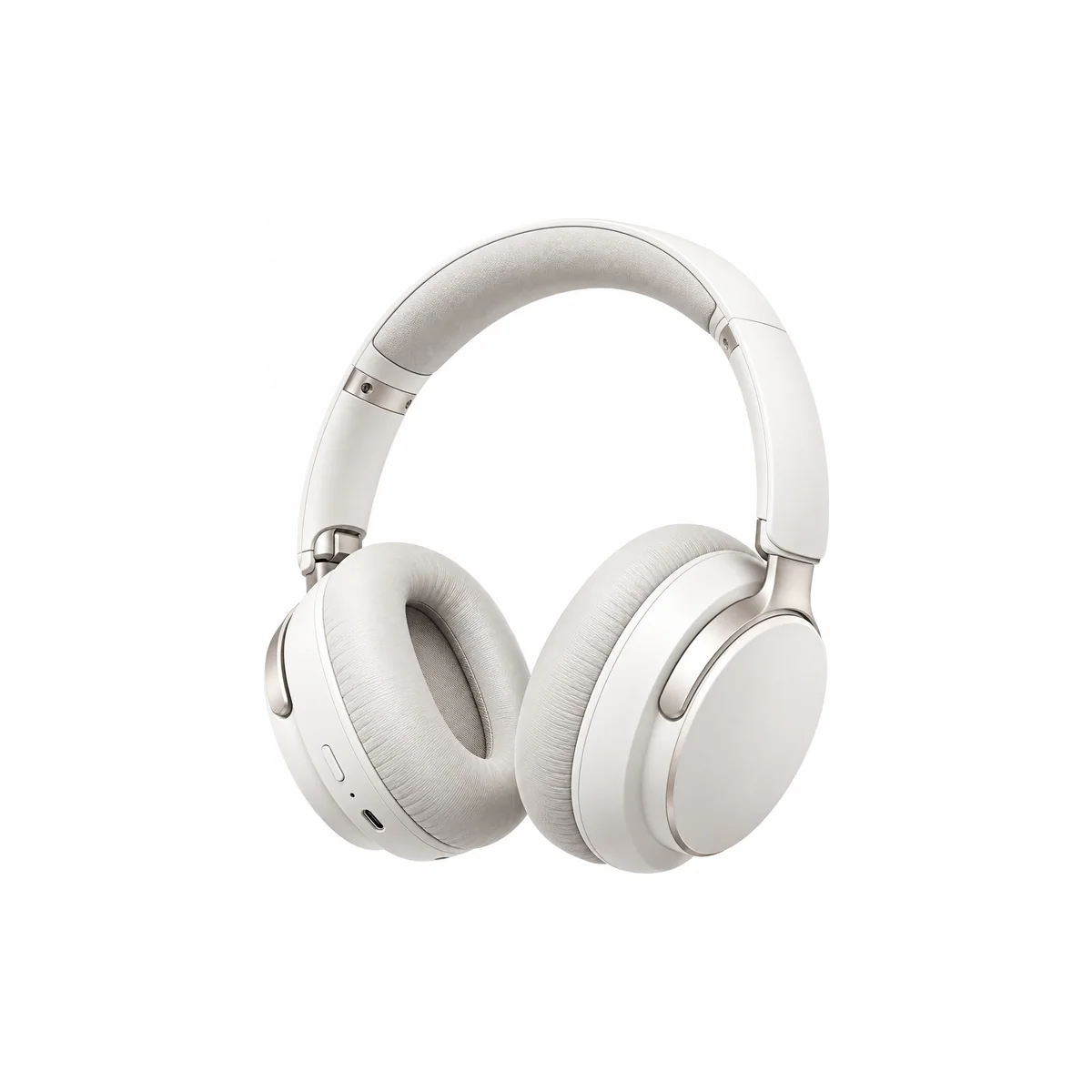 Shopee Mall cover imageOnline upload
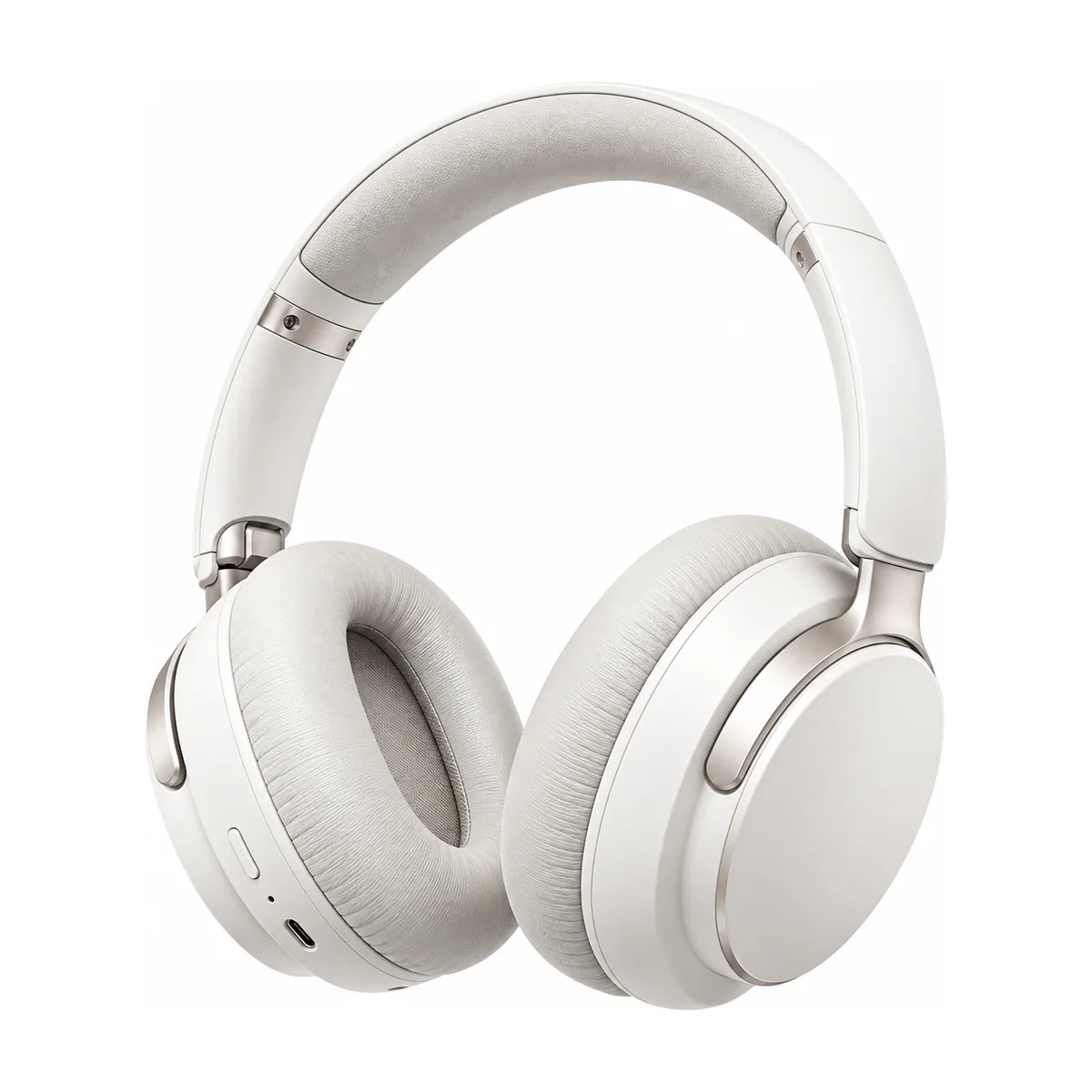 Shopify store product image2048 × 2048 px (recommended)
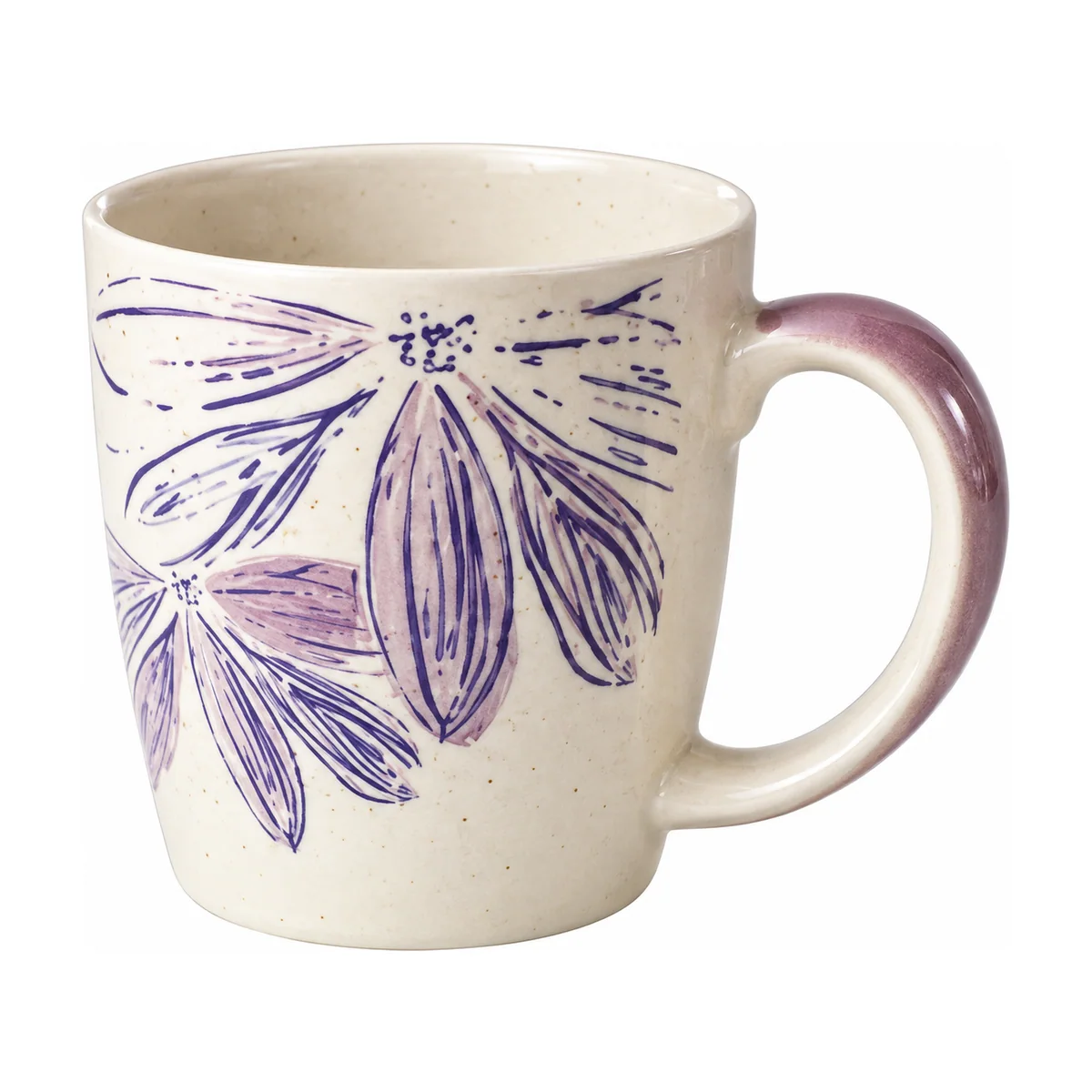 Walmart Marketplace main image2200 × 2200 px (at least 1500 × 1500)
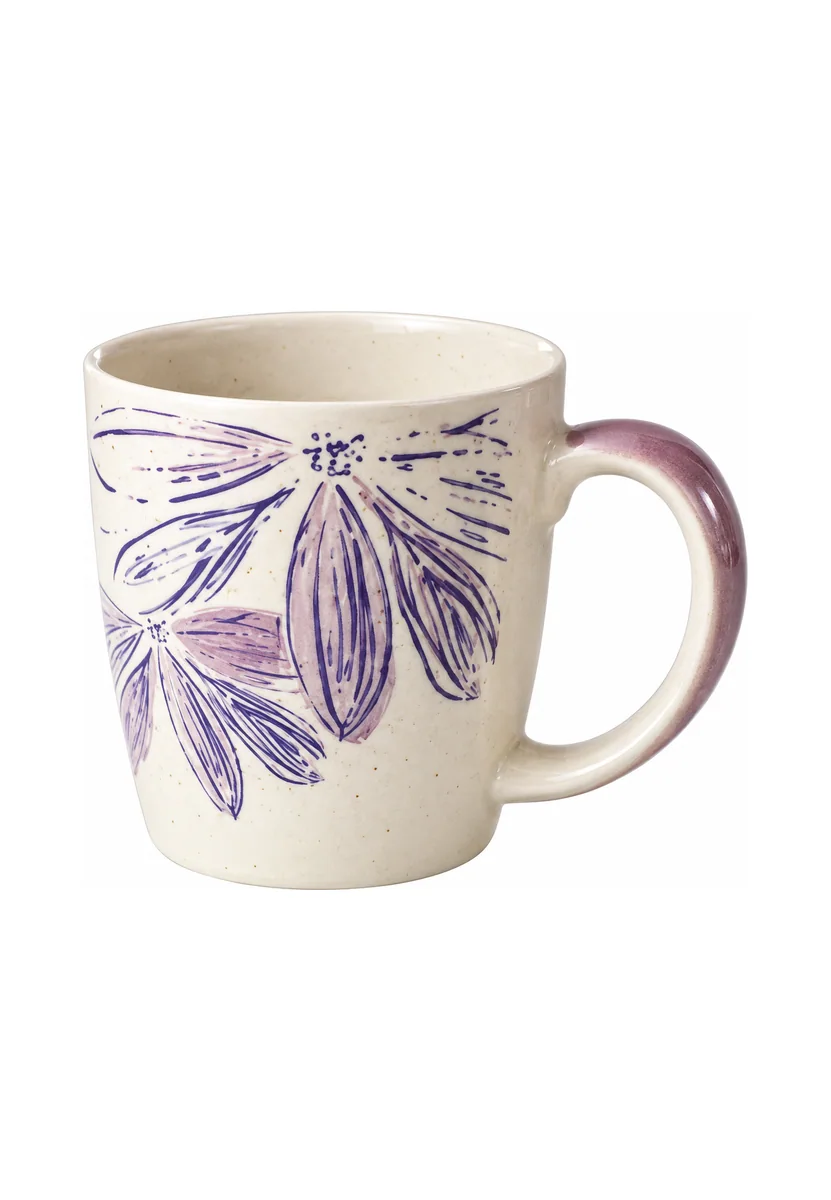 Zalando packshot1801 × 2600 px (at least 762 × 1100)
More marketplaces A–Z
Next to Google Shopping in our list.