
Compress image
Any size from 20 KB to 1 MB, many at once.


Sign on any paper and take a photo. We straighten the page and remove shadows, lines and boxes, keeping only your ink. Get a see-through PNG for PDFs and email, or the exact size for your exam form.
Drop a photo of your signature
A phone photo is fine · paste with Ctrl+V · JPG, PNG, HEIC on iPhone
For the cleanest result
Real photos, real results
Five hard phone photos, run through the same cleaner you use above. Drag across each one to see the photo turn into clean ink.
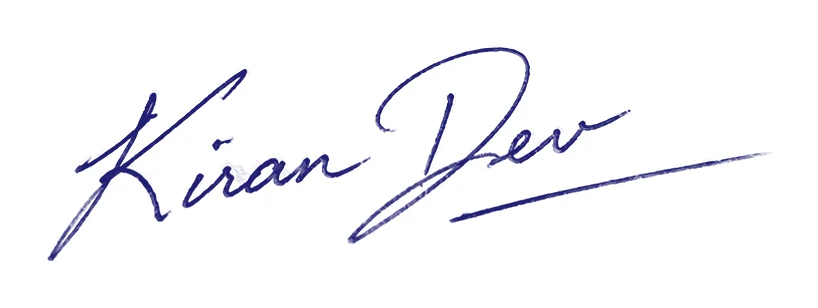
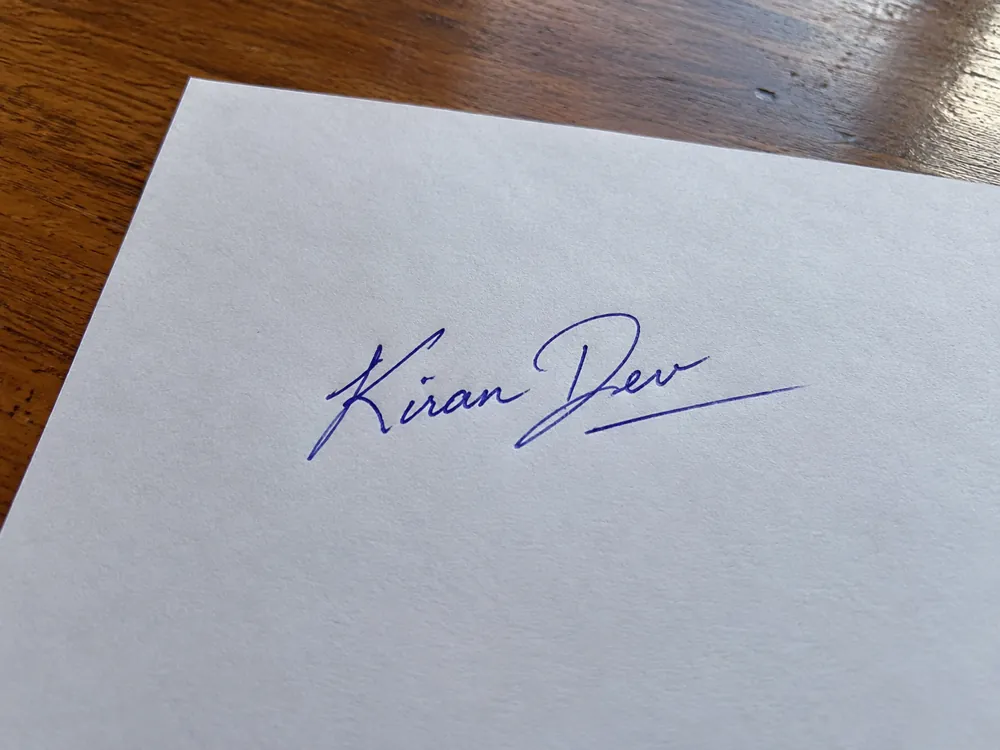
The hard part
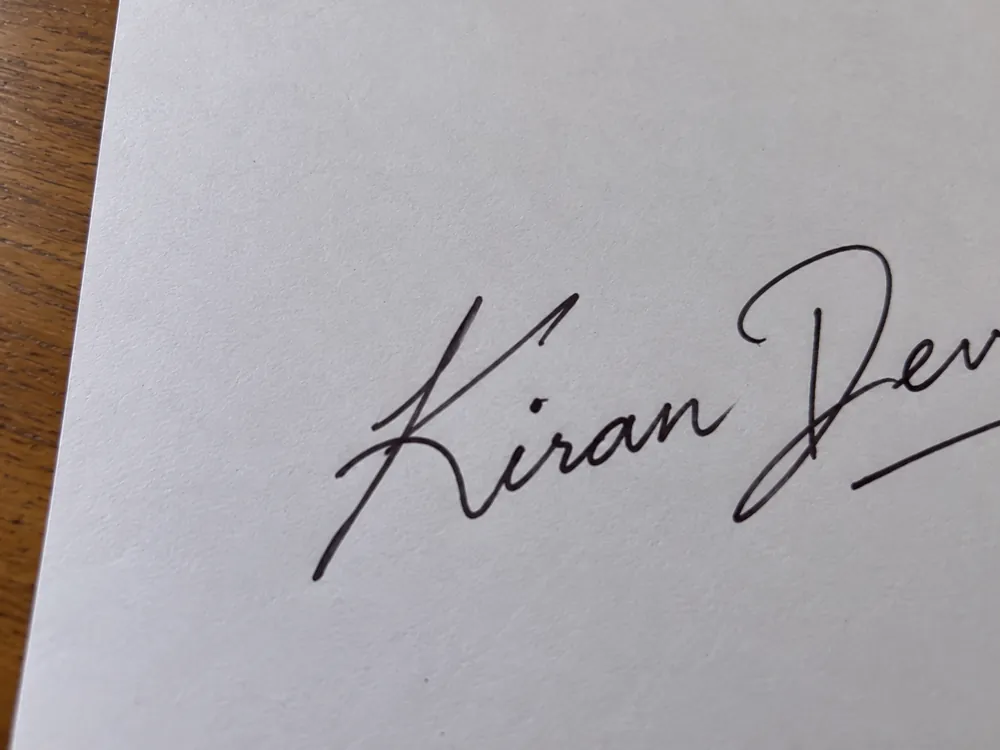
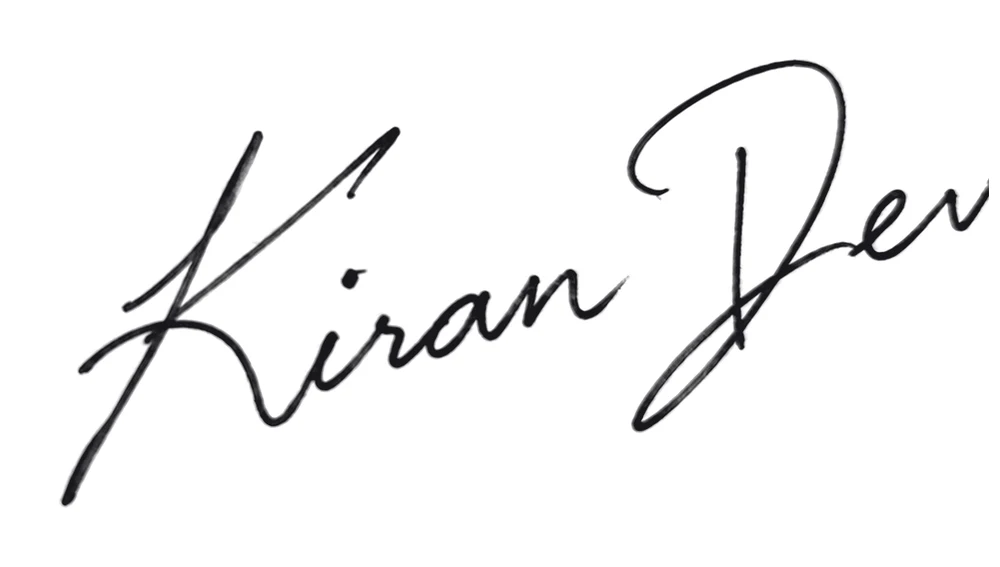
A wooden table round the sheet, shot at a slant, with uneven light.
What our cleaner did
Ready as
Result: 818 × 308 px, straight from the cleaner. Not retouched.
Clean yours nowPhotos made by PicOkay with a made-up name, Kiran Dev. Never a real person’s signature or fingerprint.
Why signatures get refused
We took each mistake on purpose and ran it through the cleaner. Here is what really happens, and what to do instead.
 01
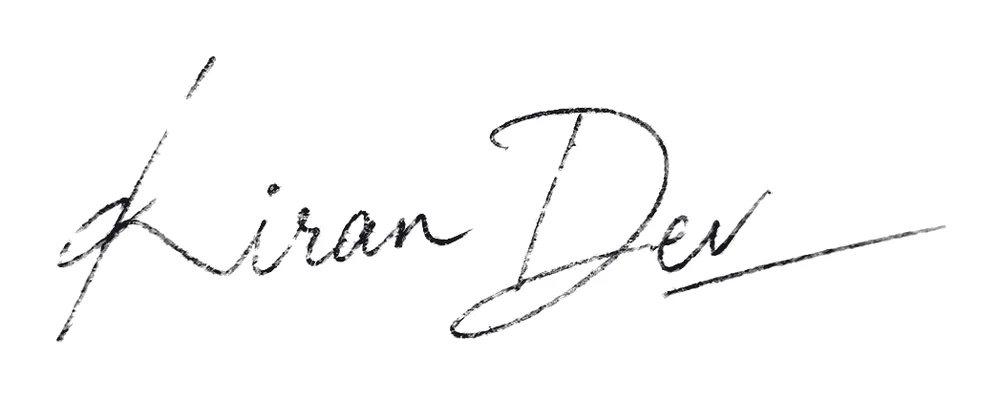
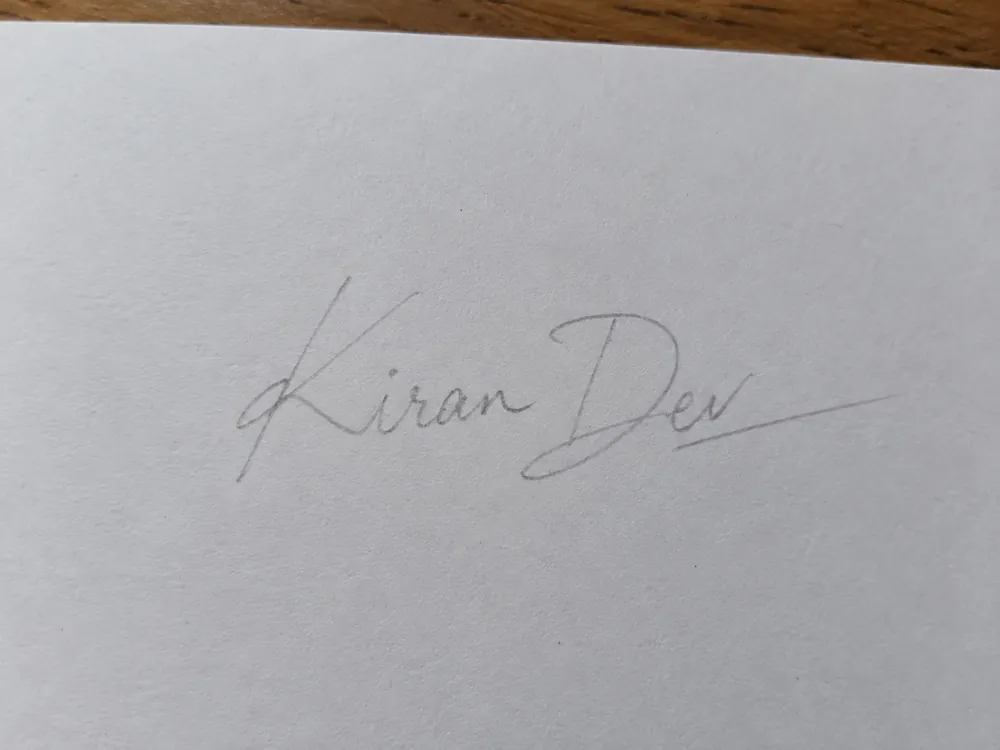
Faint ink: we darkened it
Grey pencil is faint and shiny. Darkening it helps, but the strokes stay rough and broken.
Use a black or blue ball-point or gel pen.
 02
Touches the edge: part may be cut off
The last letters ran past the edge of the paper. No tool can bring back ink that isn't in the photo.
Leave a thumb's width of paper on every side.
 03
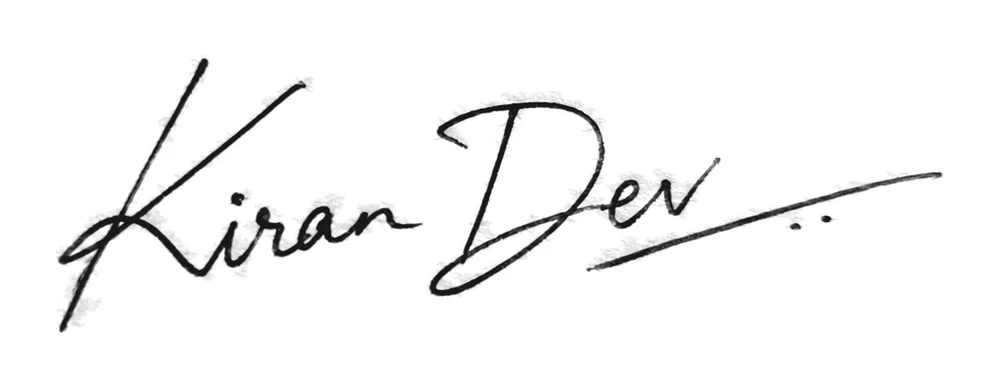
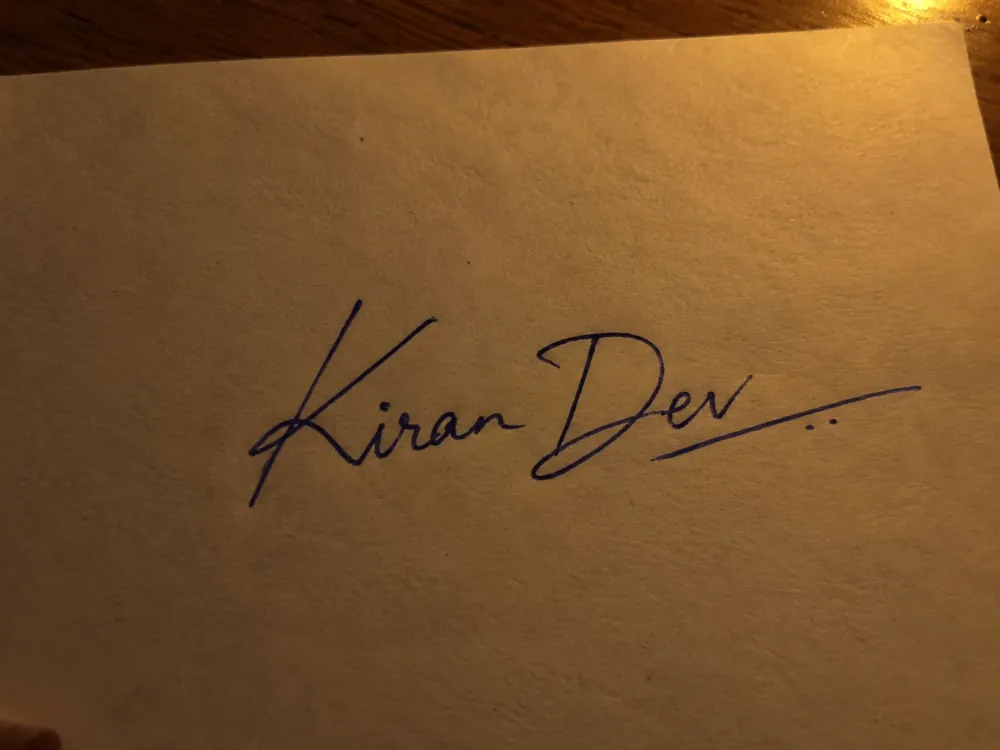
Retake: the paper looks dark
Under a warm bulb at night, white paper turns brown, and the ink loses its edge against it.
Sign by a window in daylight, with no flash.
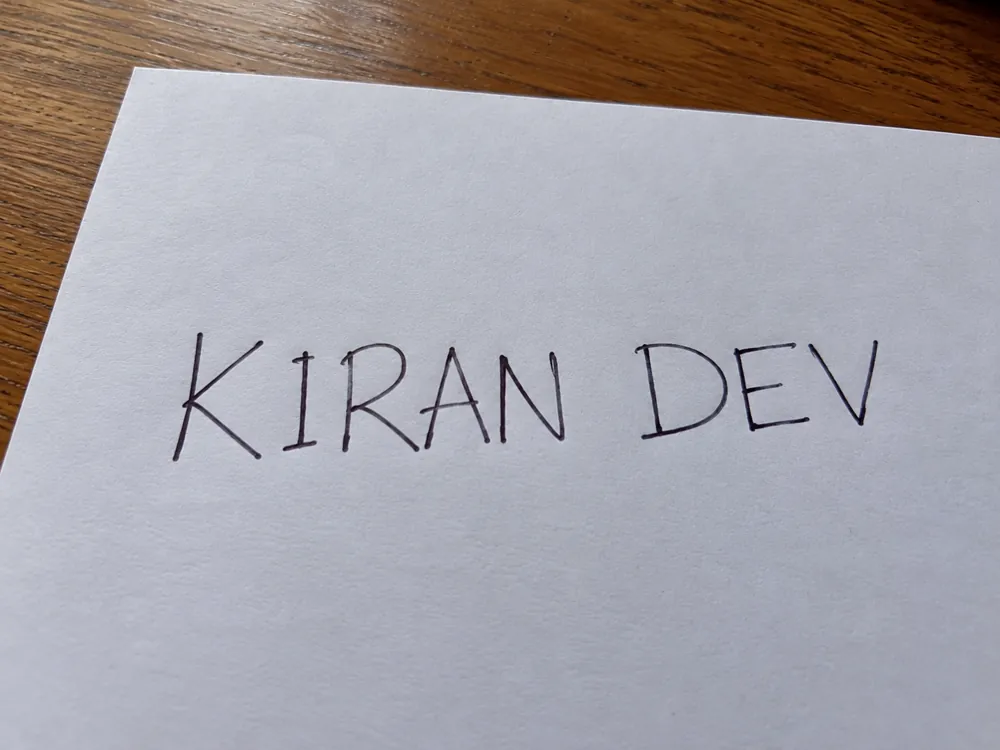 04
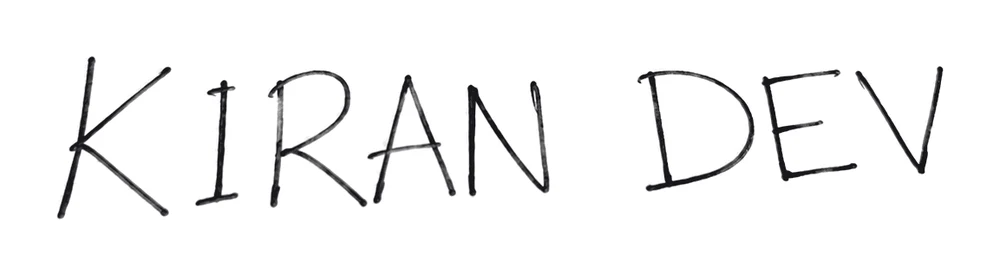
Refused by SBI, RRB, LIC and 5 more
It cleans perfectly, but it isn't a signature. Banking and many exam notices say so in plain words.
Sign the way you sign at the bank, in running hand.
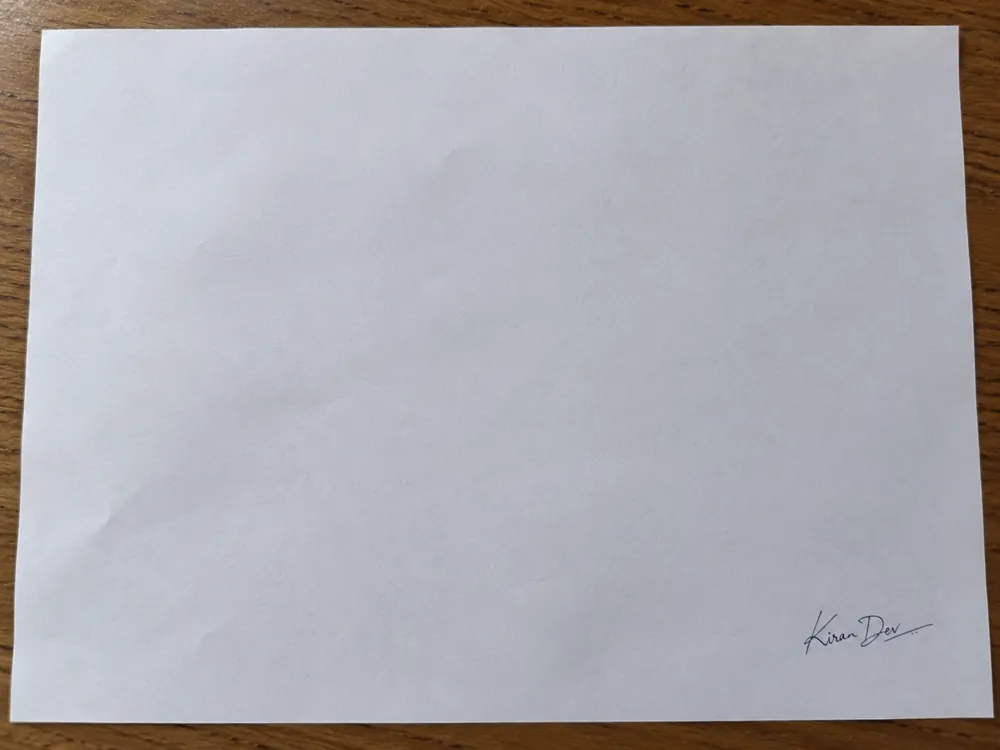 05
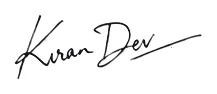
Only 217 px wide: soft when enlarged
The name covers a sliver of the photo, so there are few pixels of ink to work with.
Sign big, in the middle, and fill the frame with the paper.
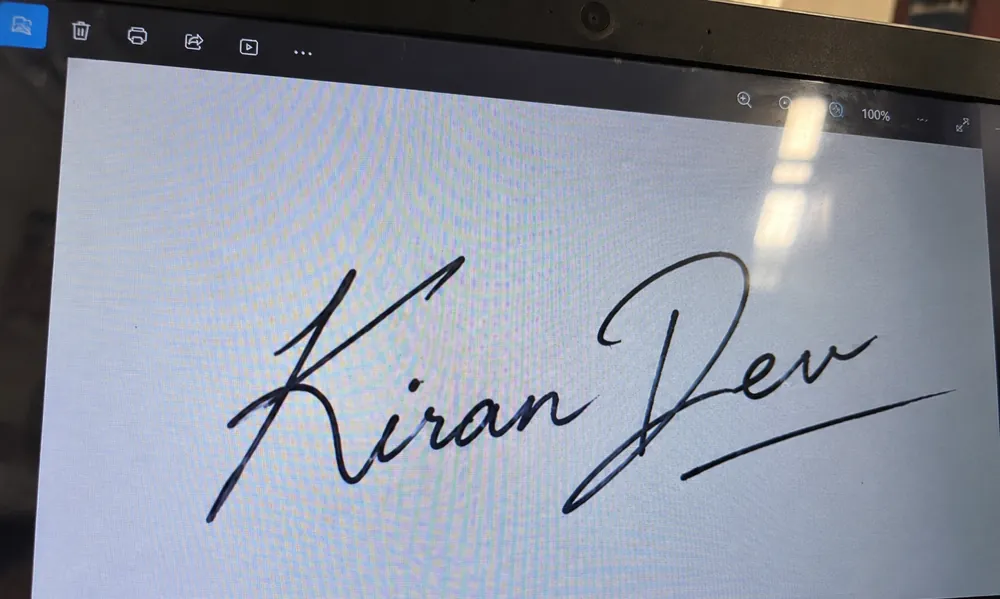 06
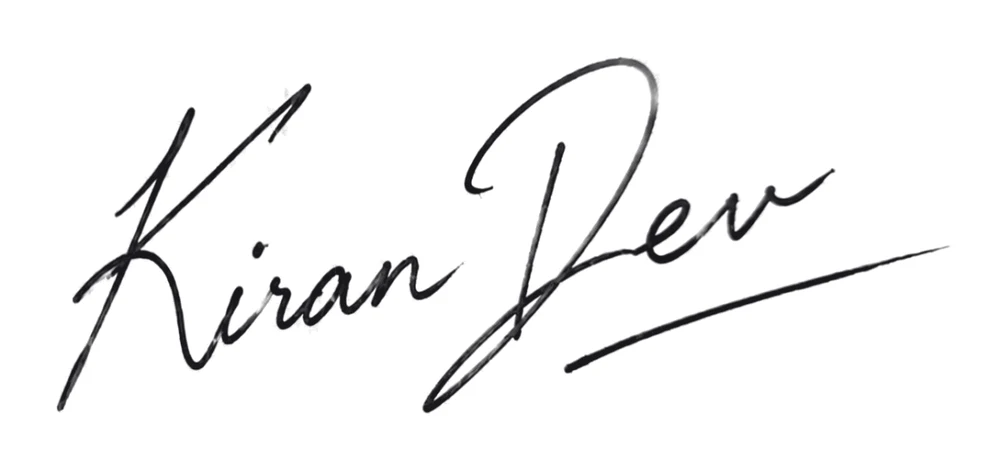
GATE refuses digital signatures
We can clean it, but it was drawn on a screen, not written in ink. Forms that ask for a pen signature can refuse it.
Sign on paper with a pen, then take the photo.
Signature size by exam
27 signature, thumb print and declaration rules from 18 exams and forms, read from each official notice. The most common signature size is 140 × 60 px, and the most common limit 10 KB – 20 KB. Tap Use this and the cleaner above is set.
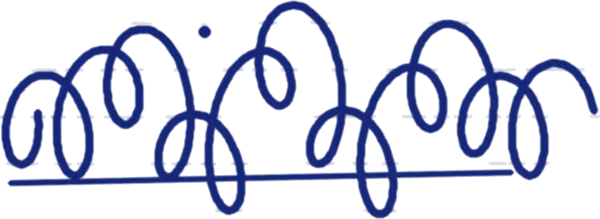
 SSC exams signature
10 KB – 20 KB
Any pixel size · JPG
NEET (UG) signature
10 KB – 100 KB
Any pixel size · JPG
SBI Junior Associate signature
10 KB – 20 KB
140 × 60 px · JPG · black ink
UPSC exams signature
20 KB – 100 KB
350–500 × 350–500 px · JPG · black ink
RRB railway recruitment (CEN) signature
30 KB – 49 KB
140+ × 60+ px · JPG · black ink
GATE 2027 signature
3 KB – 300 KB
250–580 × 80–180 px · JPG · black or blue ink
Signatures, thumb impressions and hand-written declarations: pixels, file size, ink and paper.
27 forms shown
| # | Exam / form | Upload | Pixels | File size | Ink · paper | Action |
|---|---|---|---|---|---|---|
| 1 | SSC exams | Signature | Any size | 10 KB – 20 KB | Not stated | |
| 2 | NEET (UG) | Signature | Any size | 10 KB – 100 KB | Not stated | |
| 3 | SBI Junior Associate | Signature | 140 × 60 pxPreferred200 DPI | 10 KB – 20 KB | black · white | |
| 4 | UPSC examsMostly checked | Signature | 350–500 × 350–500 px | 20 KB – 100 KB | black · white | |
| 5 | JEE (Main) | Signature | Any size | 10 KB – 100 KB | Not stated | |
| 6 | RRB railway recruitment (CEN) | Signature | 140+ × 60+ px100 DPI | 30 KB – 49 KB | black · white | |
| 7 | LIC AAO | Signature | 140 × 60 pxPreferred200 DPI | 10 KB – 20 KB | black · white | |
| 8 | GATE 2027 | Signature | 250–580 × 80–180 px | 3 KB – 300 KB | black or blue | |
| 9 | CLAT 2027Mostly checked | Signature | Any size | — | Not stated | |
| 10 | CTET | Signature | 35 × 15 mm | 3 KB – 30 KB | Not stated | |
| 11 | CUET (PG) | Signature | Any size | 10 KB – 50 KB | Not stated | |
| 12 | CUET (UG) | Signature | Any size | 10 KB – 50 KB | Not stated | |
| 13 | IAF Agniveervayu | Signature | Any size | 80 KB – 150 KB | black · white | |
| 14 | IAF Agniveervayu | Parent's signature | Any size | — | Not stated | |
| 15 | IIT JAM 2027Mostly checked | Signature | 280–560 × 80–160 px | 50 KB – 150 KB | black or blue · white | |
| 16 | India Post GDS online engagement | Signature | 300 × 120 pxPreferred | 20 KB – 50 KB | black or blue · white | |
| 17 | Joint CSIR-UGC NET | Signature | Any size | 10 KB – 50 KB | black or blue · white | |
| 18 | RBI Assistant | Signature | 140 × 60 pxPreferred200 DPI | 10 KB – 20 KB | black · white | |
| 19 | UGC-NET | Signature | Any size | 10 KB – 30 KB | black or blue · white | |
| 20 | NEET (UG) | Thumb print | Any size | 50 KB – 200 KB | Not stated | |
| 21 | SBI Junior Associate | Thumb print | 240 × 240 pxPreferred200 DPI | 20 KB – 50 KB | black or blue · white | |
| 22 | LIC AAO | Thumb print | 240 × 240 pxPreferred200 DPI | 20 KB – 50 KB | black or blue · white | |
| 23 | IAF Agniveervayu | Thumb print | Any size | 50 KB – 100 KB | Not stated | |
| 24 | RBI Assistant | Thumb print | 240 × 240 pxPreferred200 DPI | 20 KB – 50 KB | black or blue · white | |
| 25 | SBI Junior Associate | Declaration | 800 × 400 pxPreferred200 DPI | 50 KB – 100 KB | black · white | |
| 26 | LIC AAO | Declaration | 800 × 400 pxPreferred200 DPI | 50 KB – 100 KB | black or blue · white | |
| 27 | RBI Assistant | Declaration | 800 × 400 pxPreferred200 DPI | 50 KB – 100 KB | black · white |
Copy it exactly, write it by hand on white paper in English, sign under it, and photograph it. Writing in CAPITAL letters is refused.
I,______(Name of the candidate), Date of Birth ______, hereby declare that all the information submitted by me in the application form is correct, true and valid. I will present the supporting documents as and when required. The signature, photograph and left thumb impression is of mine.
I, _______ (Name of the candidate), hereby declare that all the information submitted by me in the application form is correct, true and valid. I will present the supporting documents as and when required.
I, _______ (Name of the candidate), hereby declare that all the information submitted by me in the application form is correct, true and valid. I will present the supporting documents as and when required.
Questions
Short answers. The sizes come from each form's official notice, and every form has its own page with the full rule and its source.
Ask us a questionSign on plain white paper with a dark pen and take a photo with your phone. Drop it in the cleaner above and choose E-signing with a see-through background. You get a PNG with only your ink, and nothing behind it, so it sits cleanly on any document.
Download the see-through PNG first. In Word: Insert › Pictures, pick the file, then set the picture's wrap to “In front of text” and drag it onto the line. In a PDF: open it in Adobe Acrobat Reader, choose Fill & Sign › Add signature › Image, and pick the file. Google Docs works the same way through Insert › Image.
10 KB – 20 KB, as a JPG file, with no fixed pixel size. Choose SSC in the cleaner and the file comes out inside that window. See the full SSC photo and signature rule.
140 × 60 pixels, 10 KB – 20 KB, at 200 DPI, in black ink on white paper. SBI, LIC and RBI all use it. The same notices ask for a 240 × 240 px left thumb impression and an 800 × 400 px hand-written declaration. See the SBI Junior Associate rule.
Pick your form in the cleaner: it shrinks the file until it lands inside the form's own KB window, and shows the final size before you download. For any other photo, use Reduce photo size, where you type the KB you need.
Black is the safe choice. Of the forms that name a colour, 6 accept black only (SBI, UPSC, RRB and LIC and more) and 5 accept black or blue. None accepts other colours. The cleaner can turn blue ink black, but only do that if the form allows it. See each form's ink.
Press the thumb the form names (usually the left) once on a blue or black stamp pad, then press it once on white paper, firmly and without sliding or rolling. Let it dry, photograph it flat and choose Thumb print in the cleaner. Bank forms want 240 × 240 px, 20 KB – 50 KB.
Each form gives its own words, and they must be copied exactly, in your own running hand, in English and not in CAPITAL letters. We have the texts for SBI, LIC and RBI, word for word, with a copy button. Sign under it and photograph it the same way.
The usual reasons: it is faint or in pencil, part of it is cut off, the paper is dark or lined, the file is the wrong size or KB, or the name is in CAPITAL letters, which SBI, RRB and LIC and others refuse. See all six mistakes and the fix for each.
A signature image is a simple electronic signature. Many countries accept it for everyday letters, forms and agreements. Some papers need more: a certified digital signature (such as a DSC in India) or ink on paper. If you're not sure, ask whoever asked you to sign. This is general information, not legal advice.
Yes. Open this page on your phone, take the photo with the camera or pick it from your gallery, and download the result. Nothing to install, and no sign-up.
No. Your photo is sent over an encrypted link to our cleaner, processed in memory and deleted right after. It is never stored, never shown to anyone and never used to train AI. Read our privacy policy.
More free tools
Most forms want a photo too. Each tool is free, with no sign-up and no watermark.
Any size from 20 KB to 1 MB, many at once.

Clean white or any colour, sharp hair edges.
Exact pixels, cm, mm or inches.
A form's exact KB and pixels, without blur.
 Head size
Checks a passport, visa or exam photo against its official rule.
Shadows, lines and boxes gone. A see-through PNG for documents, or the exact pixels and KB your form asks for.