

Your photo is OK. Proven.
Official rules · EBay listing · Print this checklistTake it to a photo studio or keep it with you.
EBay listingImage checklist
Follow these rules so your image is accepted. Every rule is from eBay Customer Service.
eBay
Product photo
1600 × 1600 px
Scan to open this page on your phone.
- Make your photo here
- See all rules in detail
- Save and share
picokay.com/product-photo/ebay
1. Correct image
Accepted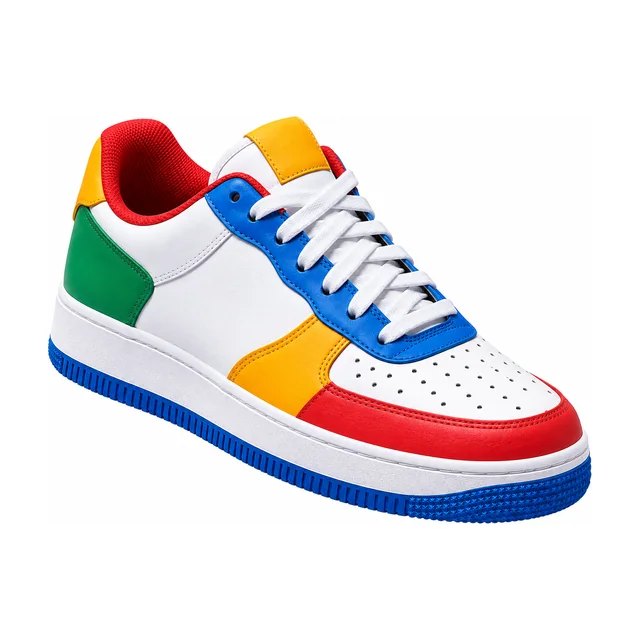
2. Common mistakes(will be rejected)
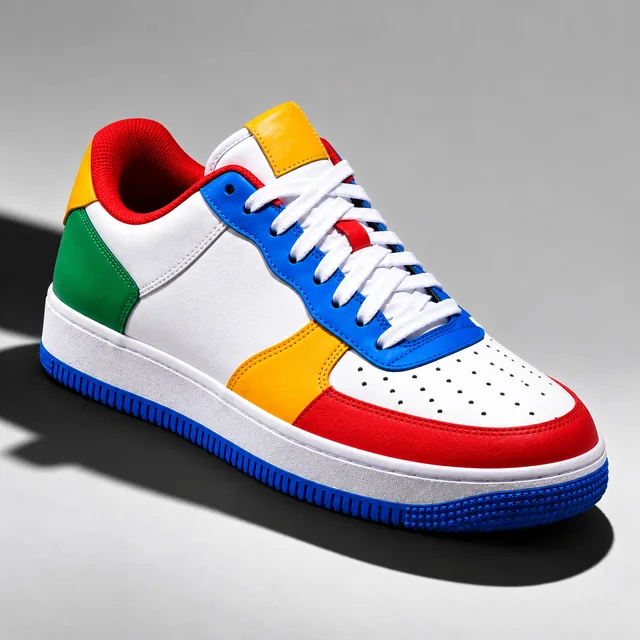
Grey background and shadow
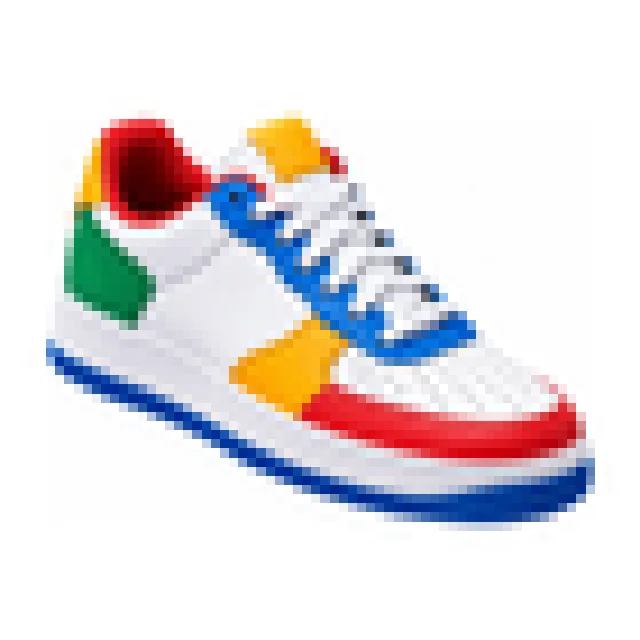
Too few pixels
Image
4 rules- PixelsAt least 500 × 500 px
- File sizeUp to 12 MB
- File typeJPG / PNG / GIF / TIFF / BMP / WEBP / HEIC / AVIF
- ImagesUp to 24
Product
4 rules- BadgesNot allowed
- LogosNot allowed
- WatermarksNot allowed
- Stock photos of used itemsNot allowed
Background
1 rule- BackgroundWhite
Can the photo be edited?
- Crop and resizeAllowed
- Background changeAllowed
- RetouchingAllowed
- AI editsNot stated
Official words (examples)
“minimum resolution of 500 x 500 pixels; about 1600 x 1600 recommended; 1:1 or 16:9 look best”
Adding pictures to your listings
- 1 Take a photoIn good light, against a plain wall.
- 2 Make it in secondsAdd your photo on PicOkay.
- 3 See the resultsEvery rule, checked.
- 4 Get your photoOr take this checklist to a studio.
From https://picokay.com/product-photo/ebay · Checked 5 October 2026. Example photos are made by PicOkay.