

Your photo is OK. Proven.
Official rules · Amazon main product · Print this checklistTake it to a photo studio or keep it with you.
Amazon main productImage checklist
Follow these rules so your image is accepted. Every rule is from Amazon Seller Forums (Amazon community manager).
Amazon
Product photo
At least 1000 px on the longest side
Scan to open this page on your phone.
- Make your photo here
- See all rules in detail
- Save and share
picokay.com/product-photo/amazon
1. Correct image
Accepted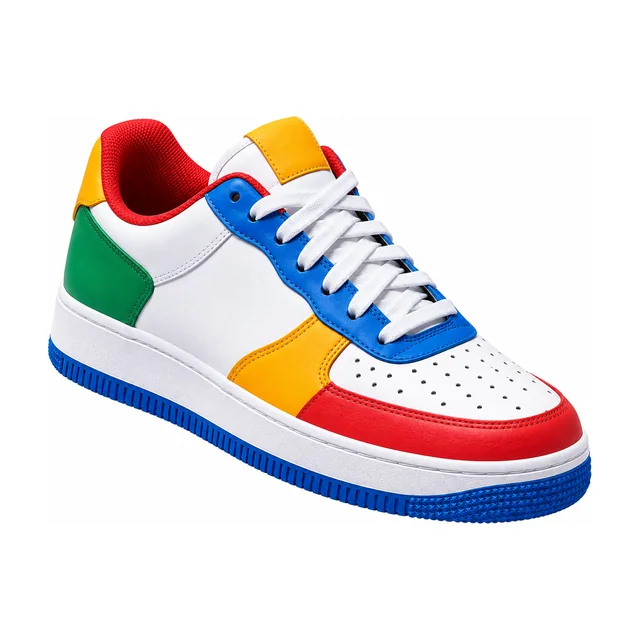
2. Common mistakes(will be rejected)
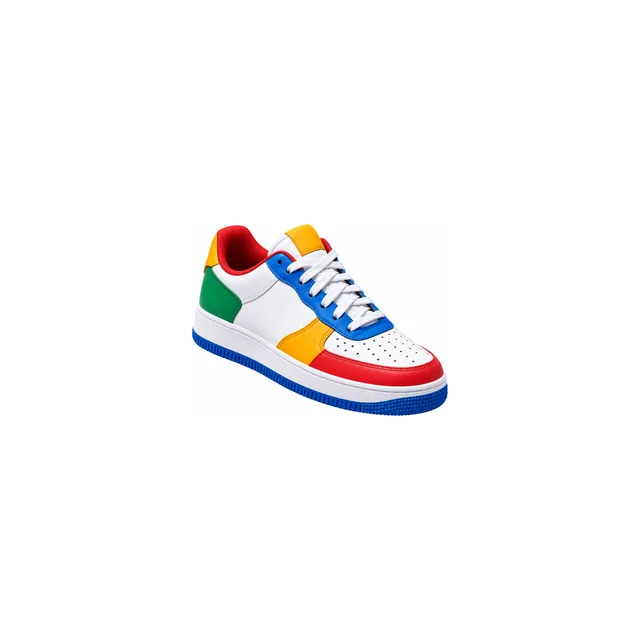
Product too small
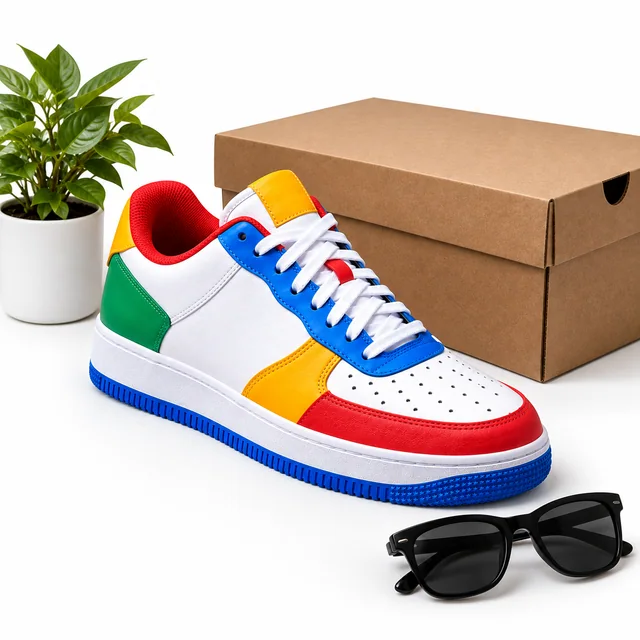
Props in the photo
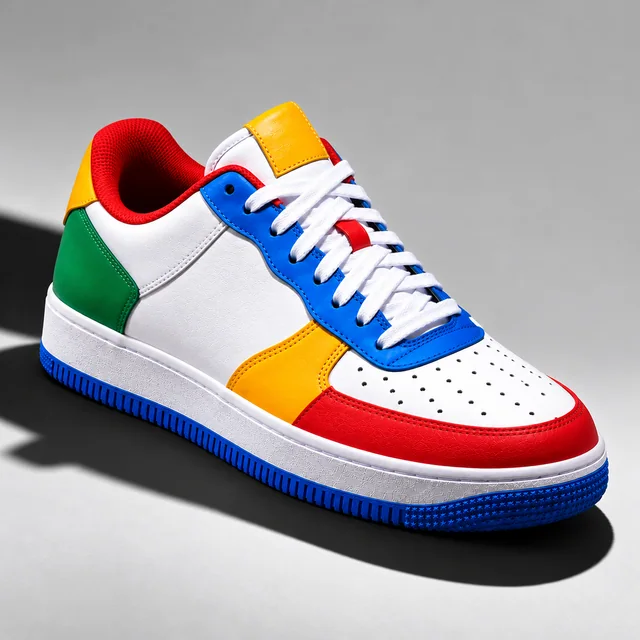
Grey background and shadow
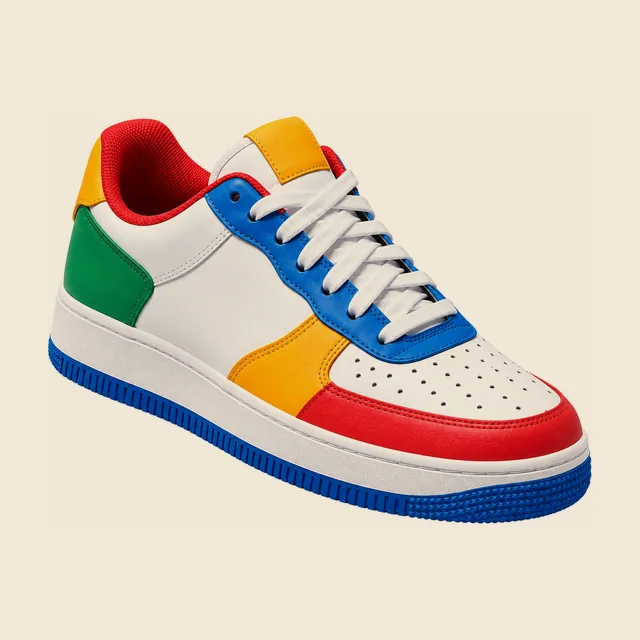
Not pure white
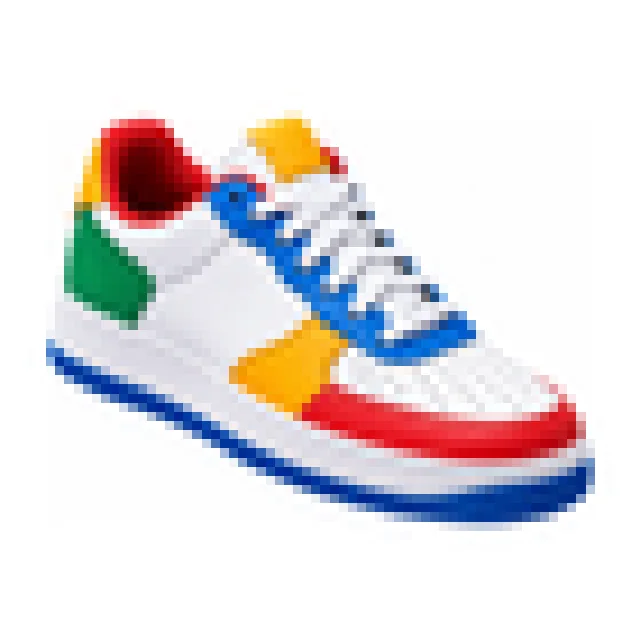
Too few pixels
Image
3 rules- PixelsAt least 1000 px, longest side
- File typeJPG / PNG / TIFF / GIF
- Animated imagesNot allowed
Product
9 rules- Product fillsAt least 85% of the frame
- Products shownOnly the one for sale
- Real photoRequired
- TextNot allowed
- LogosNot allowed
- WatermarksNot allowed
- Inset picturesNot allowed
- Drawings or illustrationsNot allowed
- More than one productNot allowed
Background
1 rule- BackgroundPure white (RGB 255, 255, 255), plain
Can the photo be edited?
- Crop and resizeAllowed
- Background changeAllowed
- RetouchingAllowed
- AI editsNot stated
Official words (examples)
“1,000 pixels on the longest side for zoom (minimum); 2,000+ recommended”
Amazon Product Image Requirements 2026
“animated GIFs not accepted”
Amazon Product Image Requirements 2026
- 1 Take a photoIn good light, against a plain wall.
- 2 Make it in secondsAdd your photo on PicOkay.
- 3 See the resultsEvery rule, checked.
- 4 Get your photoOr take this checklist to a studio.
From https://picokay.com/product-photo/amazon · Checked 5 October 2026. Example photos are made by PicOkay.