

Your photo is OK. Proven.
Official rules · UK passport · Print this checklistTake it to a photo studio or keep it with you.
UK passportPhoto checklist
Follow these rules so your photo is accepted. Every rule is from GOV.UK (HM Passport Office).
United Kingdom
Passport
35 × 45 mm
Scan to open this page on your phone.
- Make your photo here
- See all rules in detail
- Save and share
picokay.com/passport-photo/united-kingdom
1. Correct photo
Accepted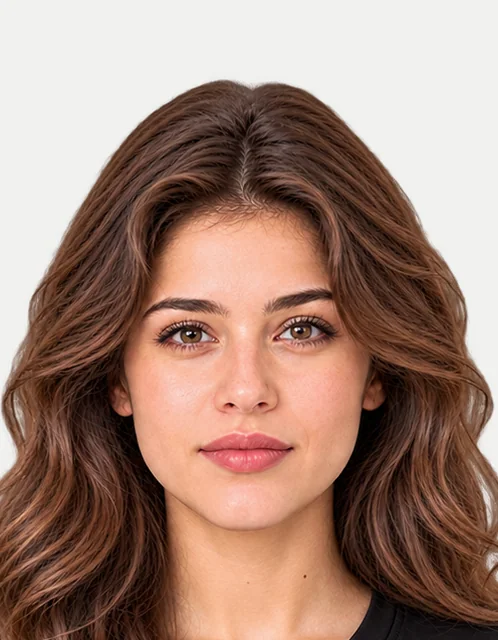
2. Common mistakes(will be rejected)
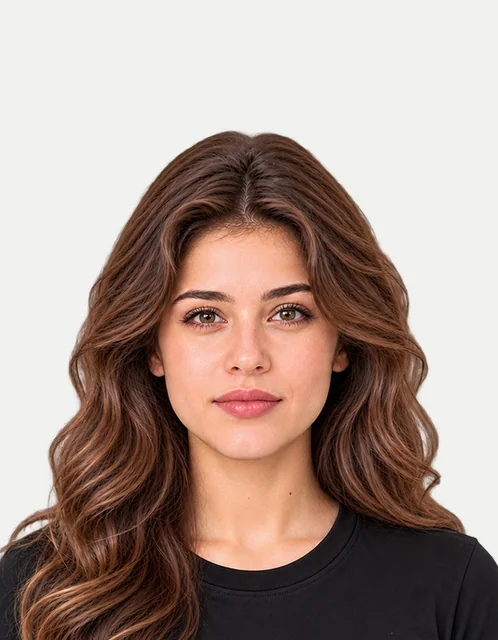
Head too small
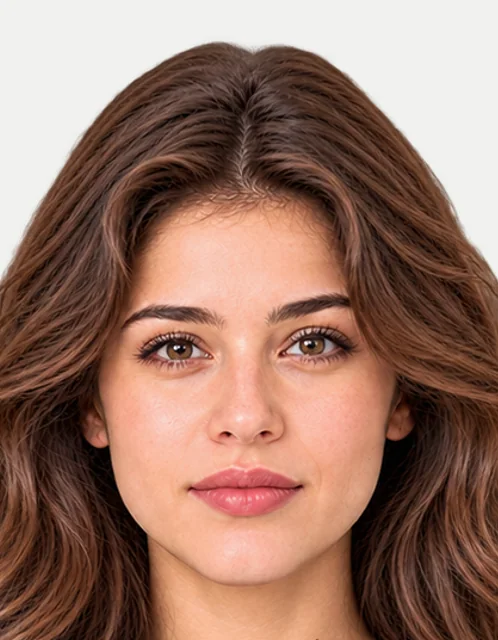
Head too big
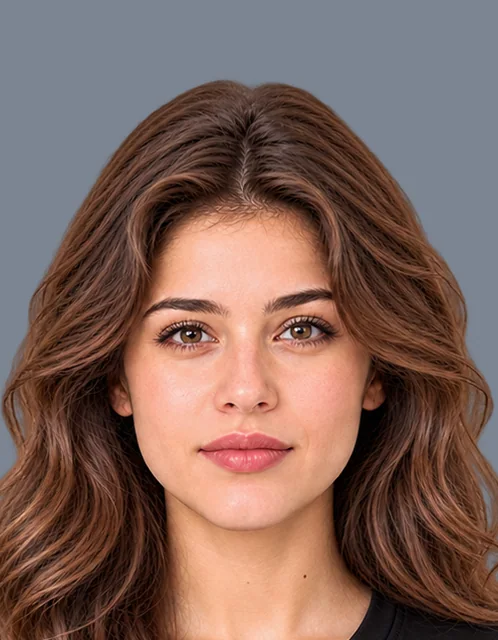
Wrong background colour
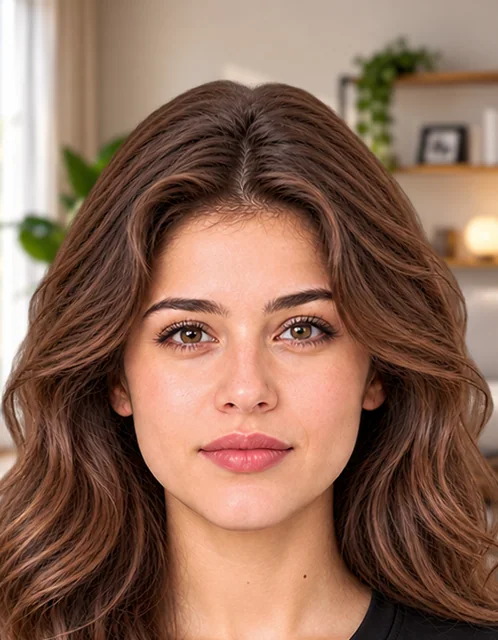
Busy background
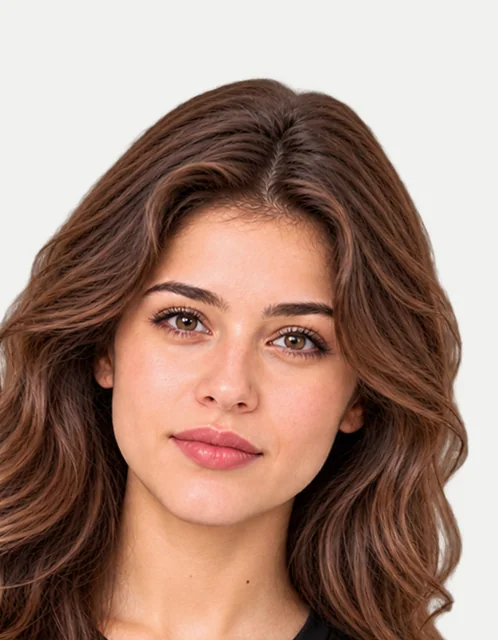
Tilted head
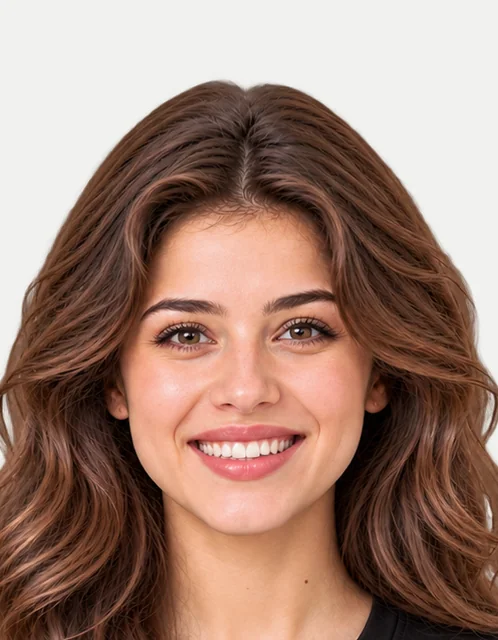
Smiling
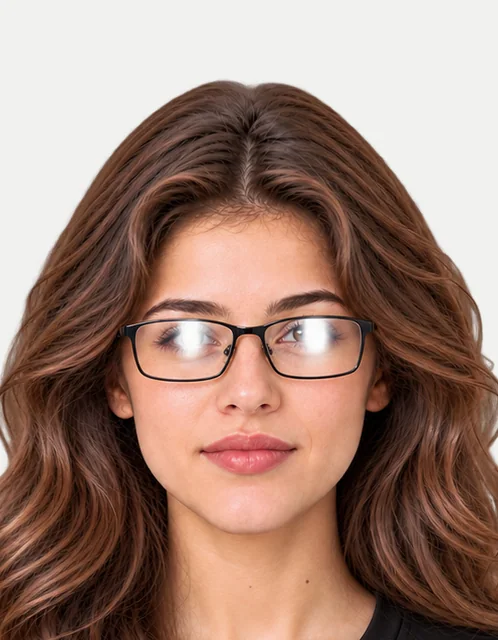
Wearing glasses
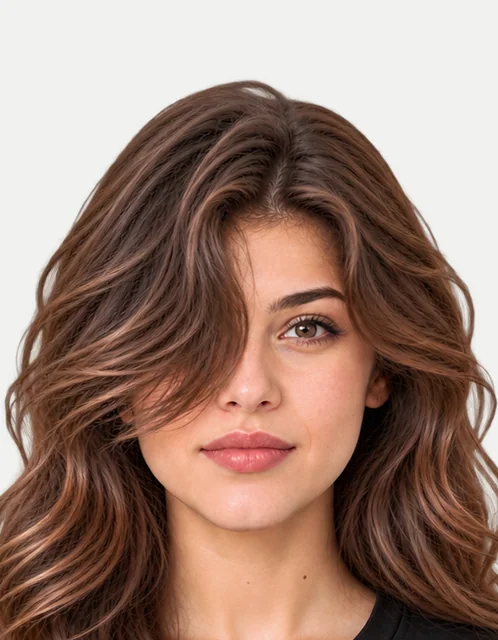
Hair over eyes
Photo
7 rules- Size35 × 45 mm
- ColourColour only
- PrintPhoto paper
- Copies2 photos
- How recentLast 1 month
- Head height29–34 mm
- Other peopleOnly you
Face
6 rules- Facing forwardRequired
- ExpressionNeutral
- EyesOpen
- HairOff the eyes
- Whole faceFully visible
- Red eyeNot allowed
What you wear
3 rules- GlassesBetter without
- Tinted glassesNot allowed
- Head coveringReligious or medical only
Background
4 rules- BackgroundLight, cream or light grey, plain
- ShadowsNone
- Objects behind youNone
- ContrastStands out from you
Online upload
2 rules- PixelsAt least 600 × 750 px
- File size50 KB – 10 MB
Can the photo be edited?
- Crop and resizeAllowed
- Background changeNot allowed
- RetouchingNot allowed
- AI editsNot allowed
Official words (examples)
“45 millimetres (mm) high by 35mm wide”
Photos for passports — printed photos
“between 29mm and 34mm high”
Photos for passports — printed photos
“plain cream or light grey background”
Photos for passports — printed photos
- 1 Take a photoIn good light, against a plain wall.
- 2 Make it in secondsAdd your photo on PicOkay.
- 3 See the resultsEvery rule, checked.
- 4 Get your photoOr take this checklist to a studio.
From https://picokay.com/passport-photo/united-kingdom · Checked 5 October 2026. Example photos are made by PicOkay.