

Your photo is OK. Proven.
Official rules · Solomon Islands passport · Print this checklistTake it to a photo studio or keep it with you.
Solomon Islands passportPhoto checklist
Follow these rules so your photo is accepted. Every rule is from Solomon Islands Government.
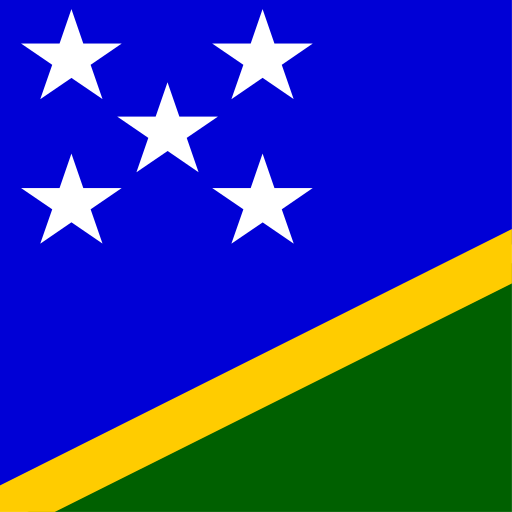
Solomon Islands
Passport
45 × 55 mm
Scan to open this page on your phone.
- Make your photo here
- See all rules in detail
- Save and share
picokay.com/passport-photo/solomon-islands
1. Correct photo
Accepted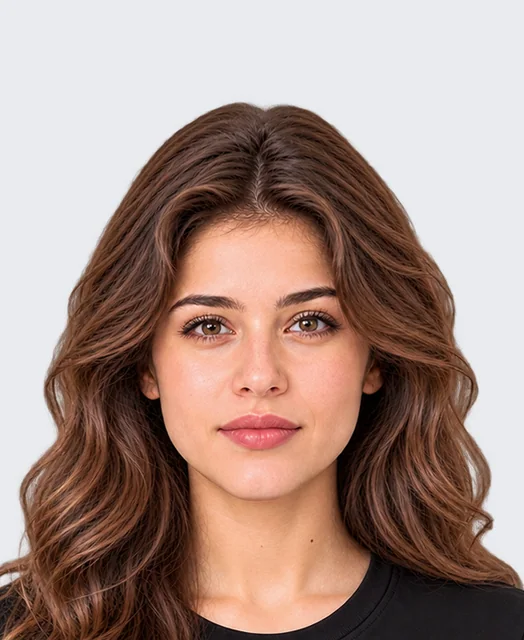
2. Common mistakes(will be rejected)
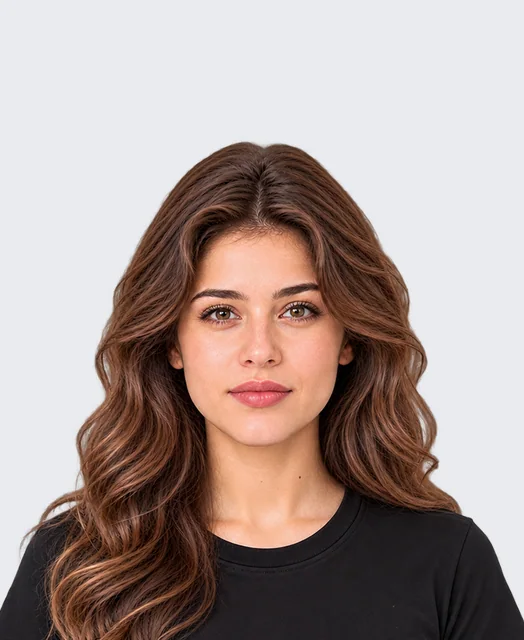
Head too small
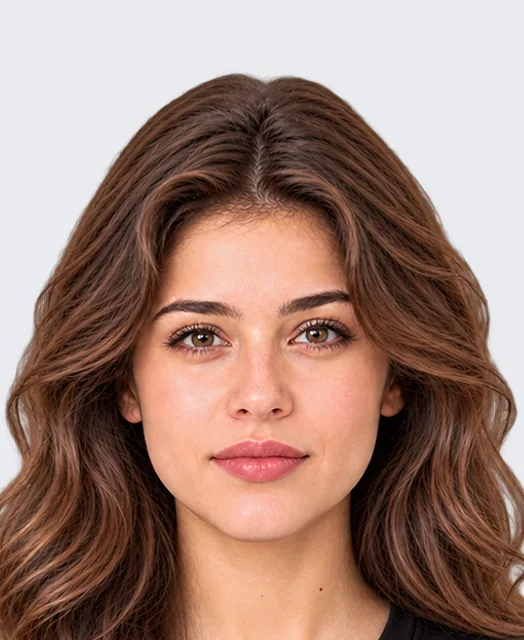
Head too big
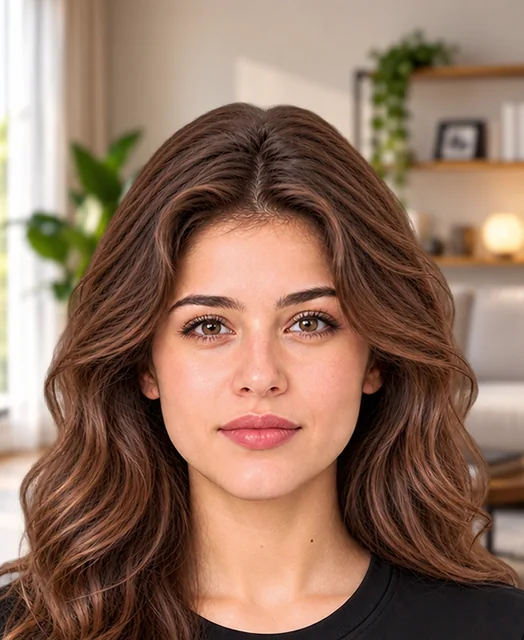
Busy background
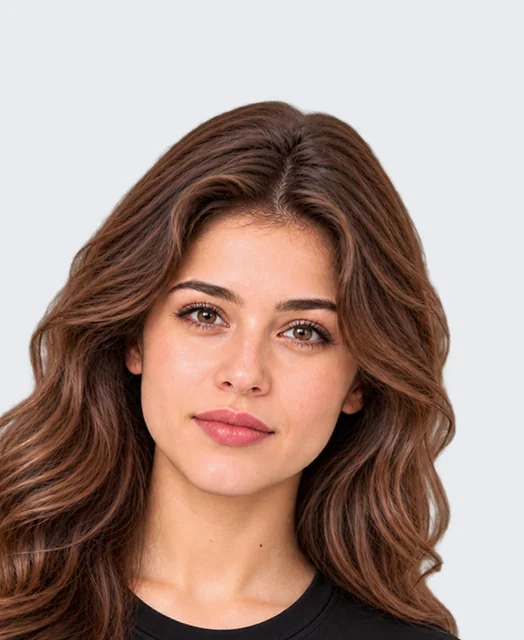
Tilted head
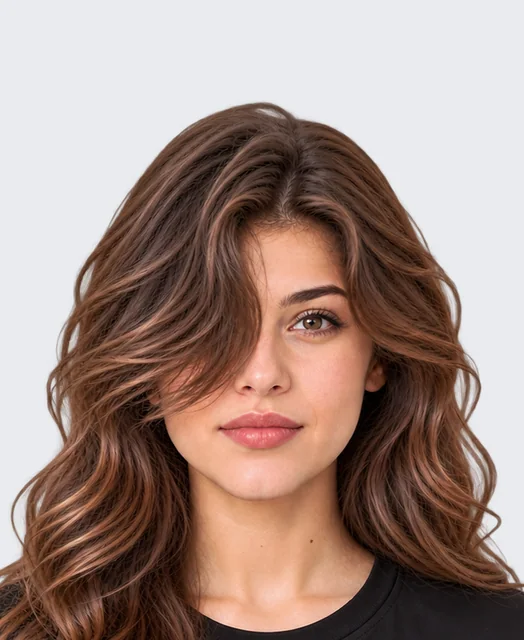
Hair over eyes
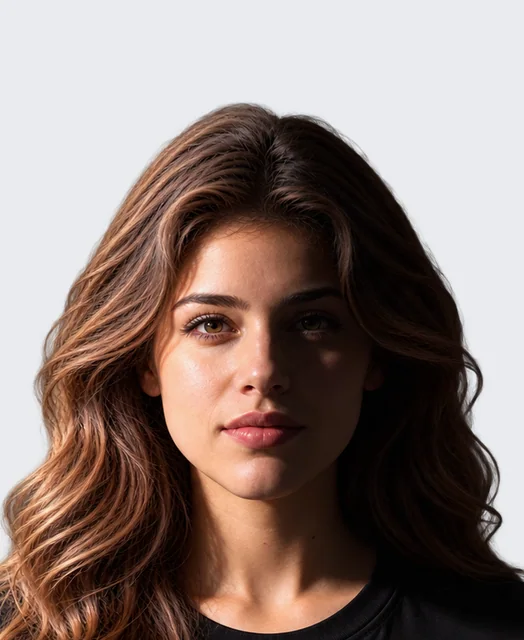
Shadow on face
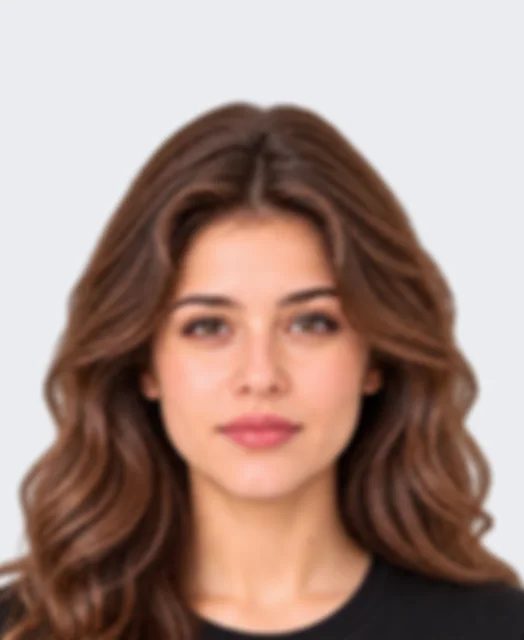
Blurry photo
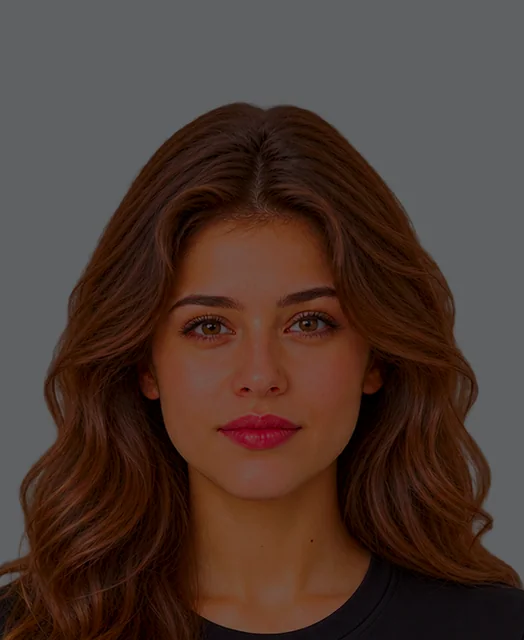
Too dark
Photo
4 rules- Size45 × 55 mm
- PrintPhoto paper
- Copies2 photos
- Back of the photoInstructions
Face
1 rule- Facing forwardRequired
What you wear
2 rules- Tinted glassesNot allowed
- Head coveringNot allowed
Background
1 rule- BackgroundAny plain colour
Can the photo be edited?
- Crop and resizeNot stated
- Background changeNot stated
- RetouchingNot stated
- AI editsNot stated
Official words (examples)
“Form (text garbled in PDF): "the photographs must not be more than 21/2 inches by a inches (64mm by 5mm) or less than 2 inches by 11/2 inches (51mm by 38mm)" — read as max 64×51 mm, min 51×38 mm”
Passport Application Form (Passports Act Form A)
“full face without hat or cap or sunglasses”
Passport Application Form (Passports Act Form A)
“full face without hat or cap or sunglasses”
Passport Application Form (Passports Act Form A)
- 1 Take a photoIn good light, against a plain wall.
- 2 Make it in secondsAdd your photo on PicOkay.
- 3 See the resultsEvery rule, checked.
- 4 Get your photoOr take this checklist to a studio.
From https://picokay.com/passport-photo/solomon-islands · Checked 7 October 2026. Example photos are made by PicOkay.