

Your photo is OK. Proven.
Official rules · NEET (UG) · Print this checklistTake it to a photo studio or keep it with you.
NEET (UG)Photo checklist
Follow these rules so your photo is accepted. Every rule is from National Testing Agency.
India
Exam
10 KB – 200 KB
Scan to open this page on your phone.
- Make your photo here
- See all rules in detail
- Save and share
picokay.com/exam-photo/neet-ug
1. Correct photo
Accepted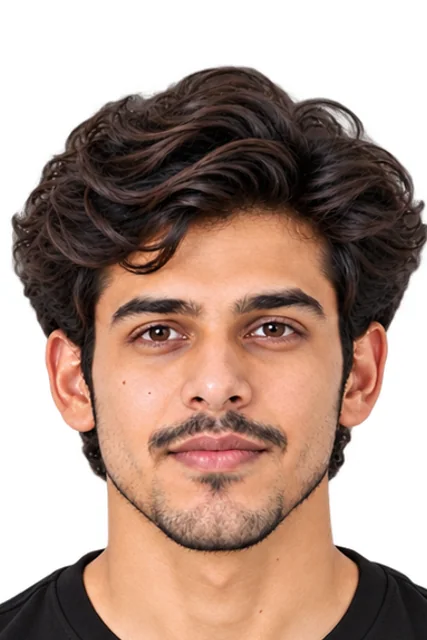
2. Common mistakes(will be rejected)
File too large
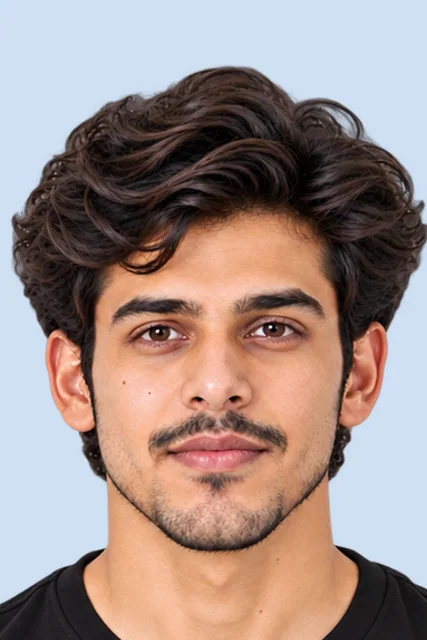
Wrong background colour
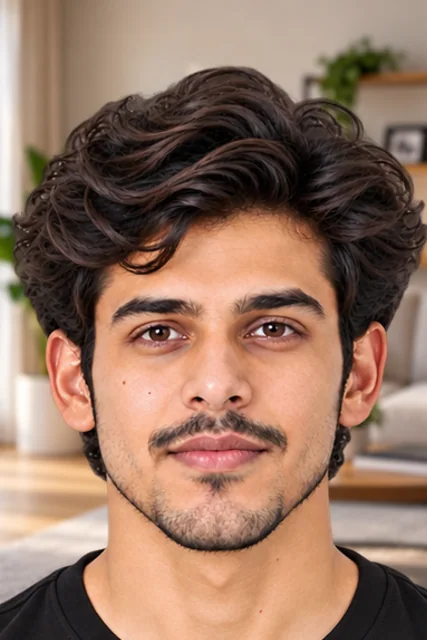
Busy background
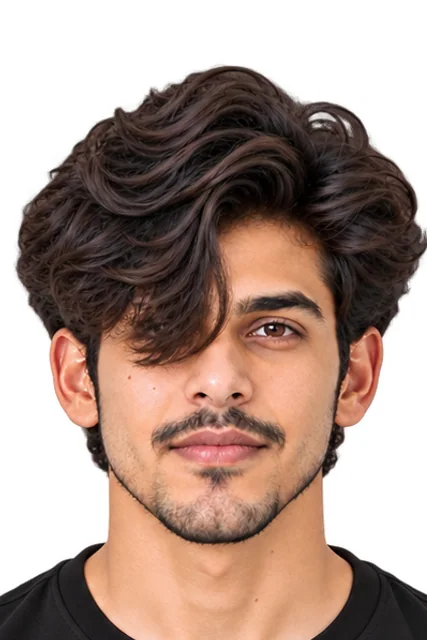
Hair over eyes
Photo
9 rules- File size10 KB – 200 KB
- File typeJPG
- Printed copies4 × 6 in · 4 copies
- ColourColour or black and white
- Live photoAlso taken on the form
- EarsBoth visible
- Whole faceFully visible
- GlassesAllowed
- BackgroundWhite
Signature
2 rules- File size10 KB – 100 KB
- File typeJPG
Thumb print
2 rules- File size50 KB – 200 KB
- File typeJPG
Can the photo be edited?
- Crop and resizeNot stated
- Background changeNot stated
- RetouchingNot stated
- AI editsNot allowed
Official words (examples)
“Photograph should be in JPG/JPEG format (clearly legible) between 10 kb to 200 kb.”
Information Bulletin NEET (UG)-2026 (Chapter 3, Step 2; Important Instructions)
“Post Card size (4"X6")”
Information Bulletin NEET (UG)-2026 (Chapter 3, Step 2; Important Instructions)
“The recent passport size photograph should be either in colour or black & white with 80% face (without mask) visible including ears against white background.”
Information Bulletin NEET (UG)-2026 (Chapter 3, Step 2; Important Instructions)
- 1 Take a photoIn good light, against a plain wall.
- 2 Make it in secondsAdd your photo on PicOkay.
- 3 See the resultsEvery rule, checked.
- 4 Get your photoOr take this checklist to a studio.
From https://picokay.com/exam-photo/neet-ug · Checked 8 October 2026. Example photos are made by PicOkay.