

Make your GATE 2027 photo
We fix it and check it against the official exam rule, in seconds.
Your document
GATE 2027 Selected
Exam · India
Photo file · 35 × 45 mm (1.38 × 1.77 in) · 200 × 260 to 530 × 690 px · 5 KB – 600 KB · JPG
Full rule and sourcesAdd your photo
Take it with the live coach
It guides you on distance, light, pose and glasses, then takes the photo by itself.
- Real-time guidance
- Fewer retakes
- Works on your phone
Upload a photo I have
Any photo of you, a selfie is fine. We check it and tell you exactly what to change.
Drop your photo here
or paste it with Ctrl + V
From your gallery or files
JPG, PNG, WebP or HEIC · up to 25 MB · never stored
What this form takes
We’ll check 11 things
With the values from the official rule.
- Face foundClearly visible, nothing covering it
- Head size71–80% of the photo
- Head positionStraight, level and centred
- EyesOpen and looking at the camera
- ExpressionNeutral, mouth closed
- Light on your faceBright and even, no shadows
- BackgroundWhite, plain
- GlassesNo glare on the lenses
- Head coveringFace and hairline visible
- Only youNo other people, hands or objects
- SharpnessIn focus, enough pixels for the size
Then we make it:5 KB – 600 KB · JPG · 200 × 260 to 530 × 690 px
How it should look
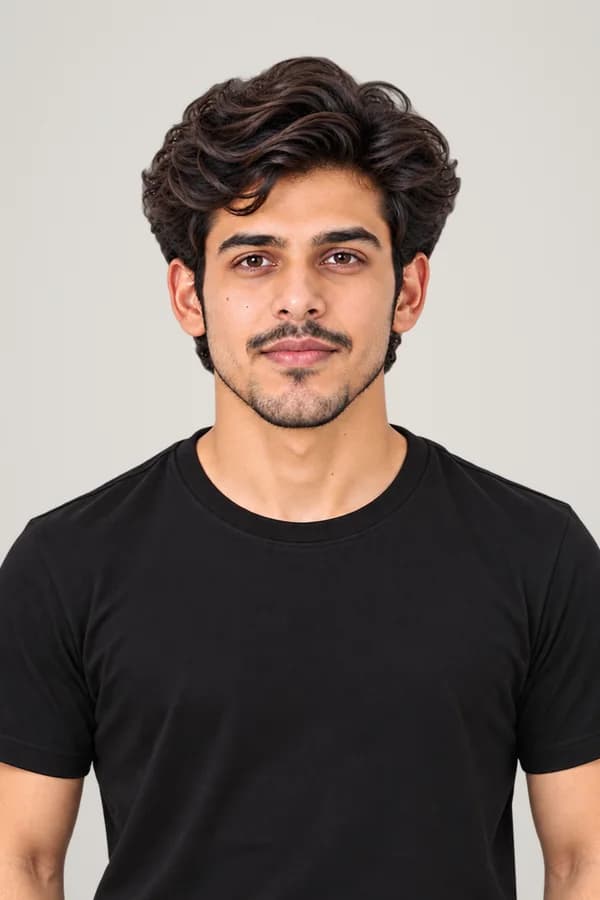
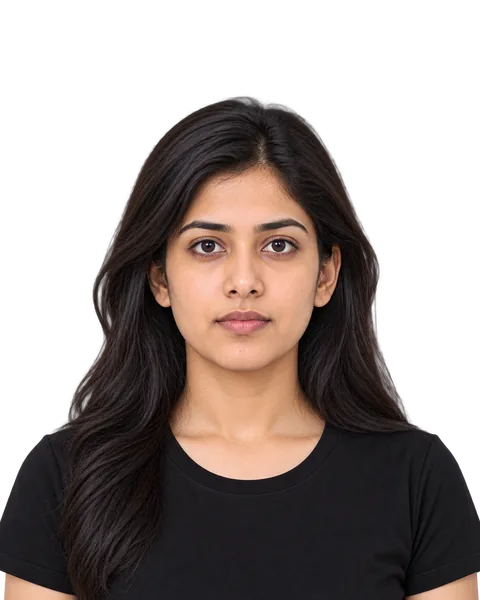
Drawn at the rule’s own shape, background and head size. AI model, not a real person.
- Head too small✕
- Not centred✕
- Wrong background✕
Background: White
Private by design
Your photo is sent over an encrypted link, checked in memory, and gone the moment the check ends. We never store it or use it to train AI.
- See your finished photo first
- No sign-up, no email
- Official rule, checked 8 Oct 2026
How the checker works
The official rule, measured on your photo. Not a guess.
- 1
Pick your document
Passport, visa, ID card or exam: we hold the rule for each, read from the official notice, with the date it was last checked.
- 2
Upload or take a photo
From your phone or computer. It is sent over an encrypted link, checked in memory and never stored.
- 3
See every check
Head size, eyes, expression, light, background, glasses and more, each with the rule's own value and what to fix.
 US passport
 UK passport
 Canadian passport
 Schengen visa
 Australian passport
 China visa
 Japanese passport
 UAE passport
 German passport & ID